
C64 Puzzle Bobble
Play 'Puzzle Bobble' on C64 online.
Puzzle Bobble game data
Commodore 64 game name: Puzzle Bobble | Release date:
2022 |
Publisher: JHB |
Game media type: d64 |
Language: en
User rating of this C64 game (you can also rate it under the C64 emulator):
About Commodore 64 Puzzle Bobble
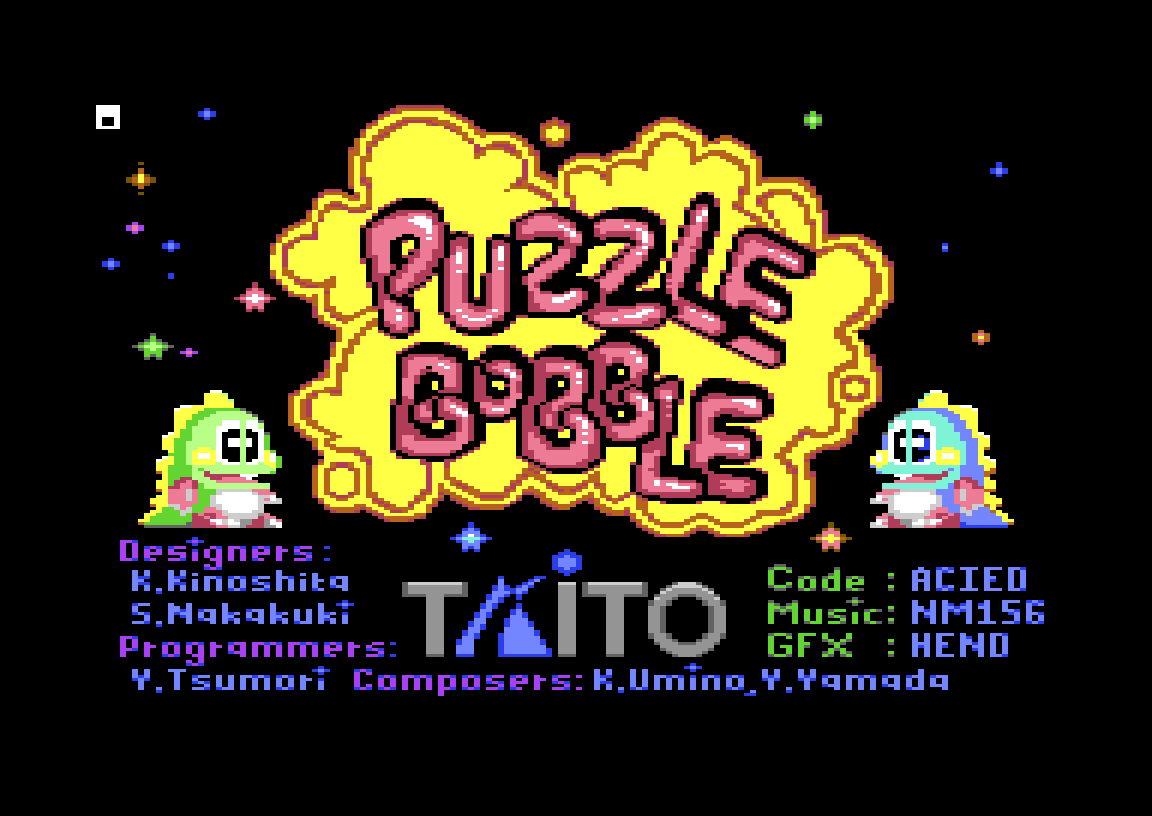
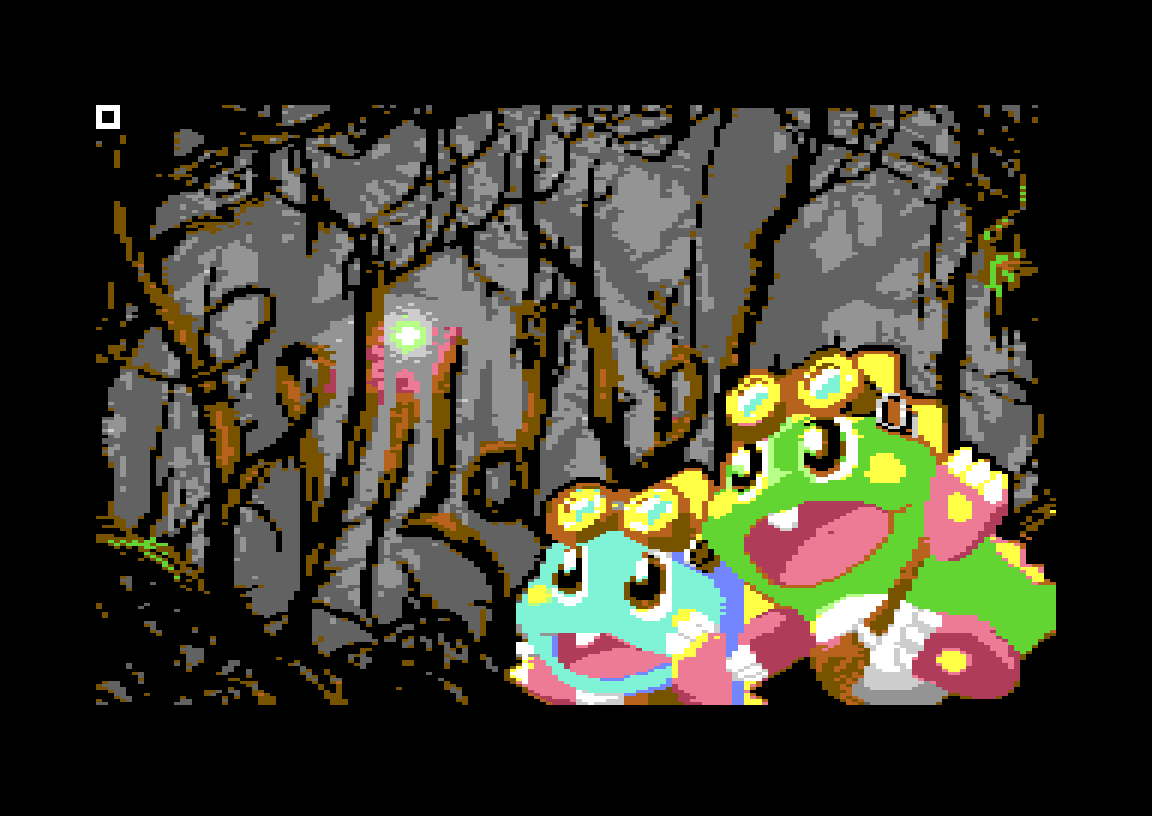
Puzzle Bobble for the Commodore 64 is a 2022 fan conversion of Taito’s 1994 arcade bubble shooter, coded by Acied with graphics by Hend and music by NM156, and released by the group JHB. It is based on the Neo Geo version, right down to a recreated Neo Geo start-up screen, digitised samples and a two-player split-screen mode. This page runs version 1.21, the final release, which supports PAL, NTSC and Drean machines. Play it free in your browser.
Quick facts
- Genre: puzzle / bubble shooter
- Original: Puzzle Bobble (Bust-A-Move), Taito, arcade 1994
- C64 code: Acied. Graphics: Hend. Music and SFX: NM156. Loader: Cadaver.
- Released by: JHB. V1.0 1 February 2022, final V1.21 12 March 2022.
- Players: 1, or 2 at the same time on a split screen
- Controls: joystick (port 2), keyboard or paddles
- Video: PAL, NTSC and Drean (from V1.2)
How to play Puzzle Bobble
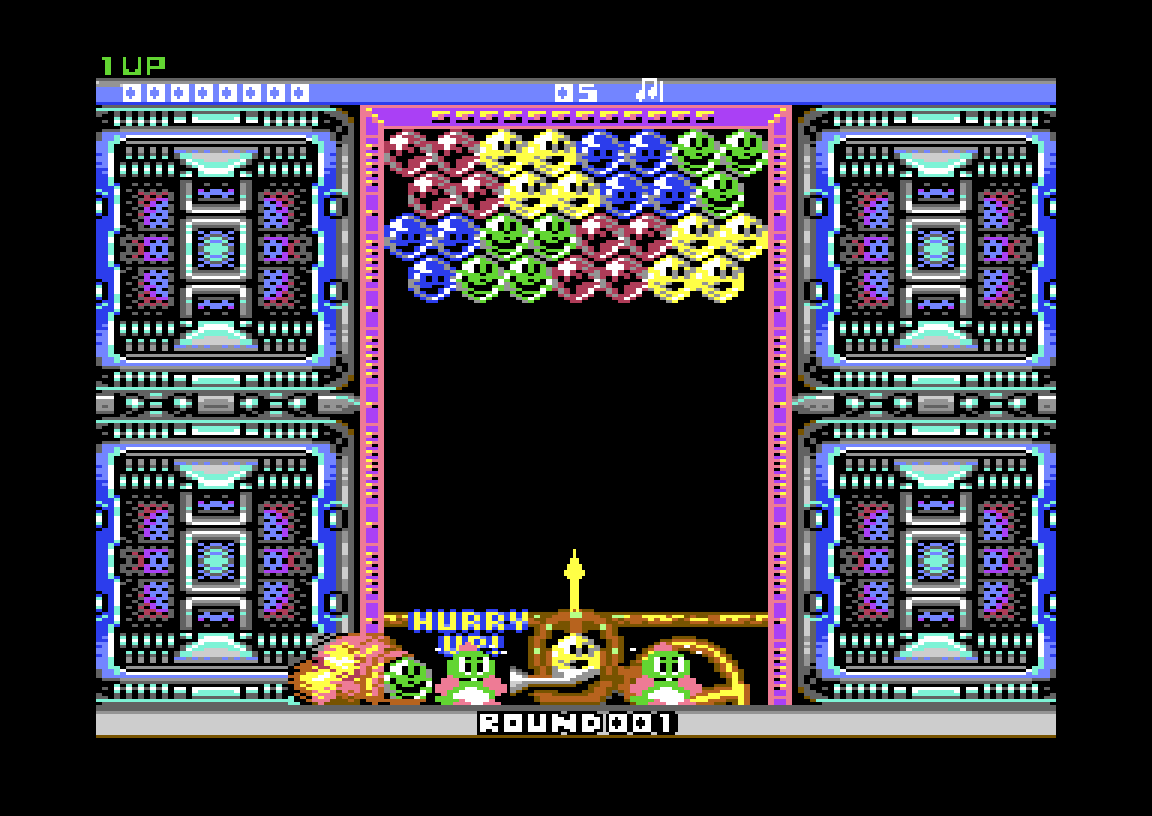
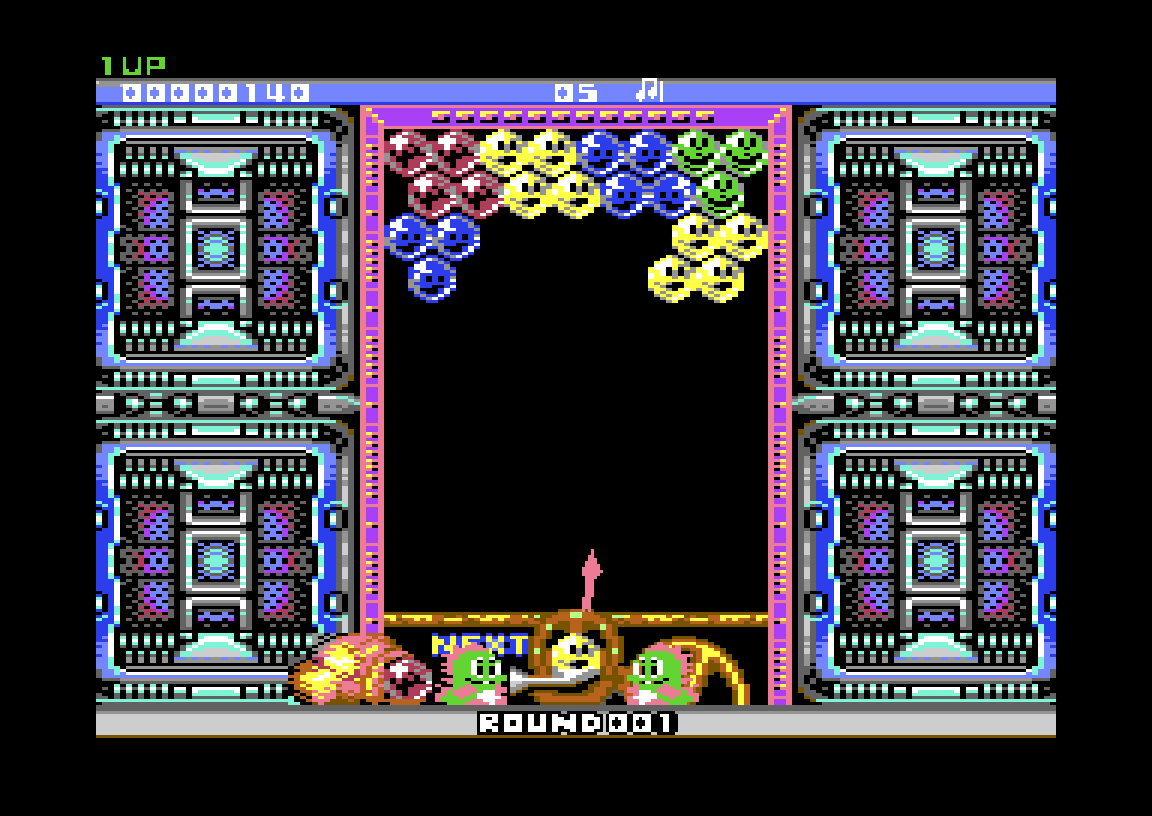
Bub and Bob, the dinosaurs from Bubble Bobble, run a bubble launcher at the bottom of the screen. Aim it, fire a coloured bubble, and when three or more of the same colour touch, they pop. Any bubbles left hanging under them fall off for bonus points. Clear every bubble to finish the round.
You don’t get to think forever. After about five seconds the launcher fires on its own, and the ceiling keeps creeping down. If the bubbles reach the line at the bottom, the game is over.
Controls
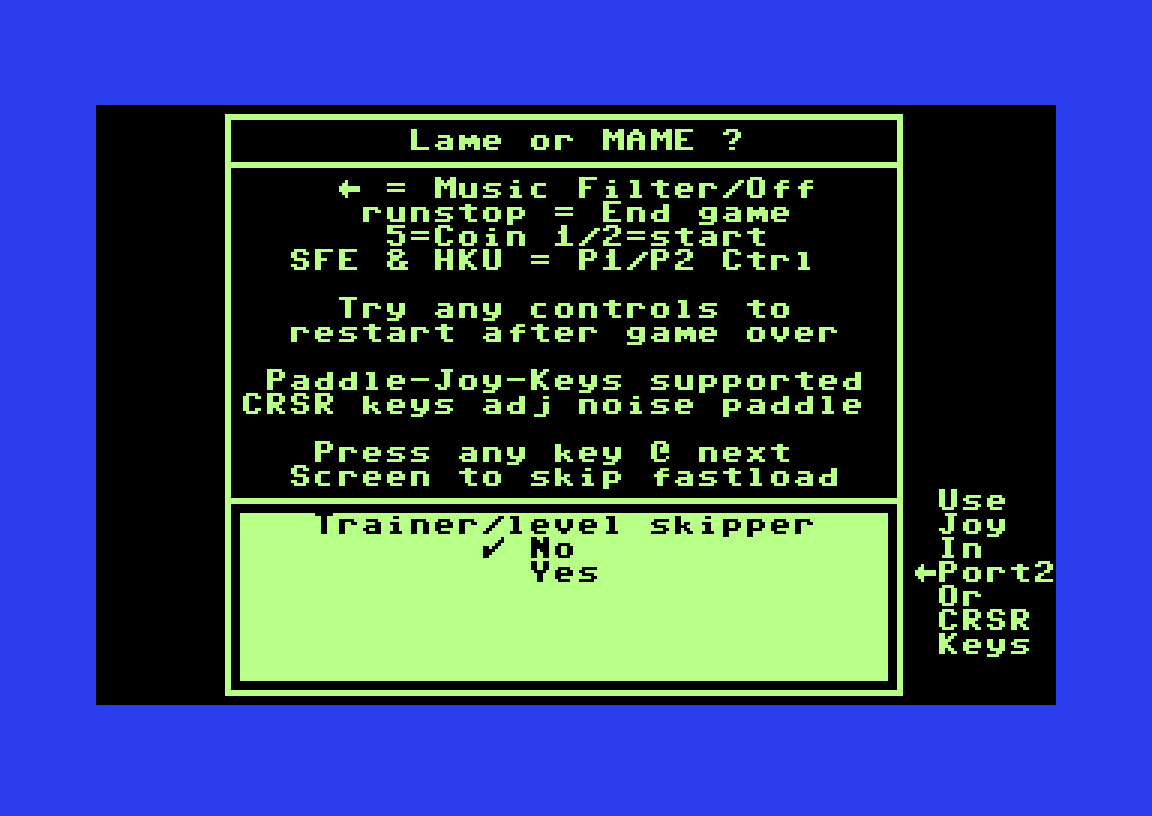
Before the game starts, an options screen (titled “Lame or MAME?”) lists the controls:
- Joystick in port 2 or the cursor keys: aim and fire
- S, F, E: player 1 on the keyboard. H, K, U: player 2.
- 5: insert a coin. 1 / 2: start a one- or two-player game.
- ← (left-arrow key): music filter on/off. RUN/STOP: end the game.
- Paddles are supported too.
The same screen asks whether to turn on the built-in trainer (a level skipper). That option is the “+1” in the release name. In the browser, press 5 for a coin, 1 to start, and aim with the cursor keys. If you play on a real C64, unplug any mouse from port 1, because the game would mistake it for paddles.
Scoring
- 10 points for every popped bubble
- Dropped bubbles score 20, 40, 80, 160, 320… points, doubling for each extra bubble in the drop
- Clear a round within 60 seconds for a time bonus that starts at 50,000 points and drops fast
Two-player mode
Press 2 instead of 1 and two players battle side by side on a split screen. There are four tournament variants: random levels, endless random levels, levels in order, and endless levels in order. There is no computer opponent.
Tips
- Bank shots off the side walls reach bubbles you can’t hit directly.
- Go for drops, not pops. Cutting a big cluster loose scores far more than popping three bubbles.
- Wipe out a colour quickly. Once it’s gone from the board, the launcher stops giving it to you.
- Clear early rounds fast for the big time bonus.
Versions
- V1.0 (1 February 2022): first release, PAL only
- V1.1 (10 February 2022): adds directory art by Logiker, PAL only
- V1.2 (6 March 2022): “World Wide Version” with NTSC and Drean support
- V1.21 (12 March 2022): fixes glitches and slowdown when the screen shakes. This is the version on this page.
Every official version includes the optional trainer, which is why the files carry a “+1” tag. CSDb users rate the game 9.8/10. Neo-Rio praised it as a “very nice port! Even going as far to simulate the Neo*Geo startup screen”, and DjS called it “a top notch arcade port”.
FAQ
Can I play Puzzle Bobble online?
Yes. Press START under the emulator and wait for the options screen. Press a key to continue, then 5 for a coin and 1 to start.
Who made the C64 version of Puzzle Bobble?
Acied (code), Hend (graphics) and NM156 (music and sound effects), with a loader by Cadaver. JHB released it in 2022.
Is it an official Taito release?
No. It is an unofficial fan port of Taito’s 1994 arcade game, based on the Neo Geo version.
Can two people play?
Yes. Two players can play at once on a split screen, with four tournament variants.
Which version should I play?
V1.21, the final version. It runs on PAL, NTSC and Drean C64s and fixes the screen-shake slowdown.
What does the “+1” mean?
It means the release has an optional trainer, a level skipper, which you can switch on or off before the game starts.
Credits & download
Original game: Taito (1994)
C64 code: Acied
Graphics: Hend
Music and SFX: NM156
Loader: Cadaver
Directory art: Logiker
Download: Puzzle Bobble V1.21 on CSDb
In order to play Puzzle Bobble online, click on the start button located below the Commodore 64 emulator window.
This file type doesn't support auto Joystick port detection. Please choose 'Joystick Swap Ports' if needed.
Puzzle Bobble C64 keyboard mapping
When you start a game, each joystick port is automatically turned on. Sometimes this causes a problem as the joystick port is mapped to the keys below. If a game uses these keys, you need to turn off the joystick ports.
C64 emulator joystick - keyboard mappings| DIRECTION | JOYSTICK 1 | JOYSTICK 2 |
|---|---|---|
| LEFT | A | CURSOR LEFT |
| RIGHT | D | CURSOR RIGHT |
| UP | W | CURSOR UP |
| DOWN | S | CURSOR DOWN |
| FIRE | LEFT / RIGHT CTRL | LEFT / RIGHT SHIFT |