
C64 Domain 83
Play 'Domain 83' on C64 online.
Domain 83 game data
Commodore 64 game name: Domain 83 | Release date:
2026 |
Publisher: Dr. TerrorZ |
Game media type: prg |
Language: en
User rating of this C64 game (you can also rate it under the C64 emulator):
About Commodore 64 Domain 83
Domain 83 is a 2026 action platformer for the Commodore 64 by Dr. TerrorZ, who wrote the code, drew the graphics and made the music. It came out on 26 October 2026 at the Zoo 2026 party as the “Zoo Edition”. You fight your way through a multi-level complex of pipes, ladders and platforms, punching and flying-kicking your way past blade-wielding androids. It is a free, single-file game, and you can play it in your browser on this page.
Quick facts
- Genre: action platformer / beat ’em up
- Author: Dr. TerrorZ (code, graphics, music)
- Released: 26 October 2026, Zoo 2026 party (Zoo Edition), free
- Players: 1
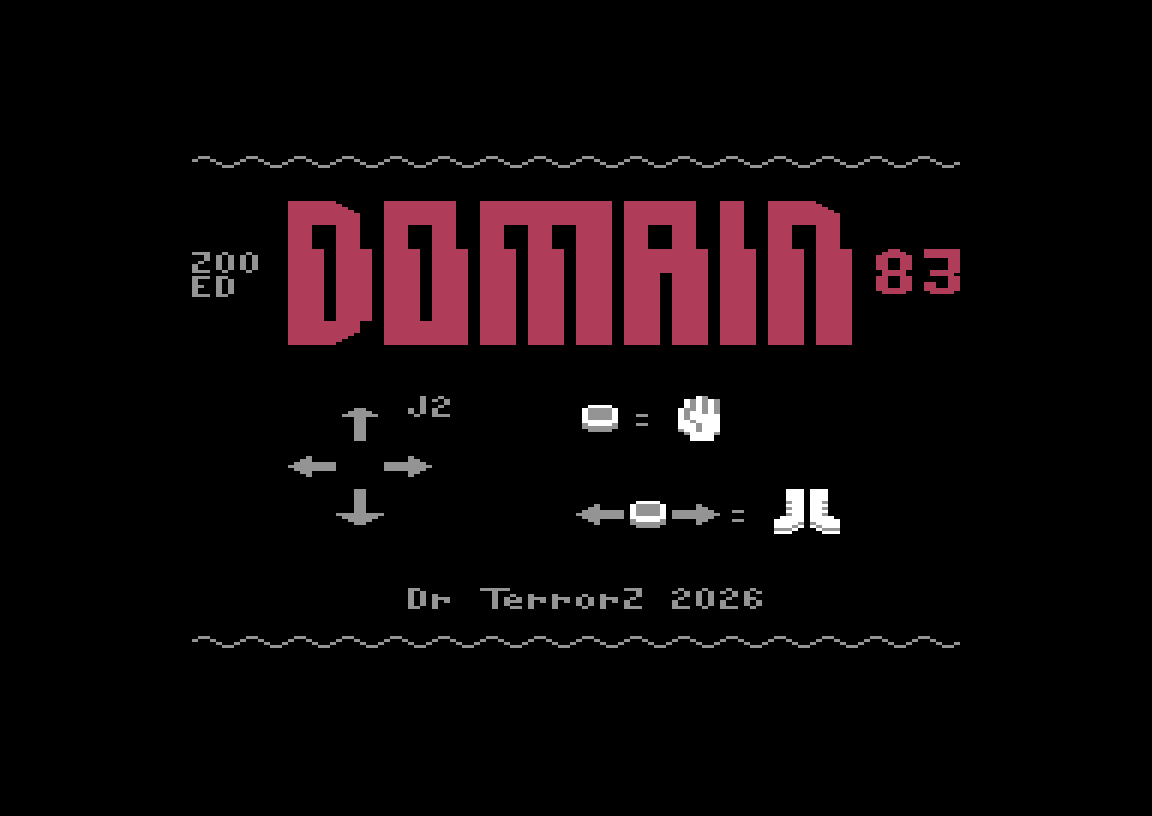
- Controls: joystick in port 2
- Format: single-file PRG (also available as a D64 on itch.io)
About the game
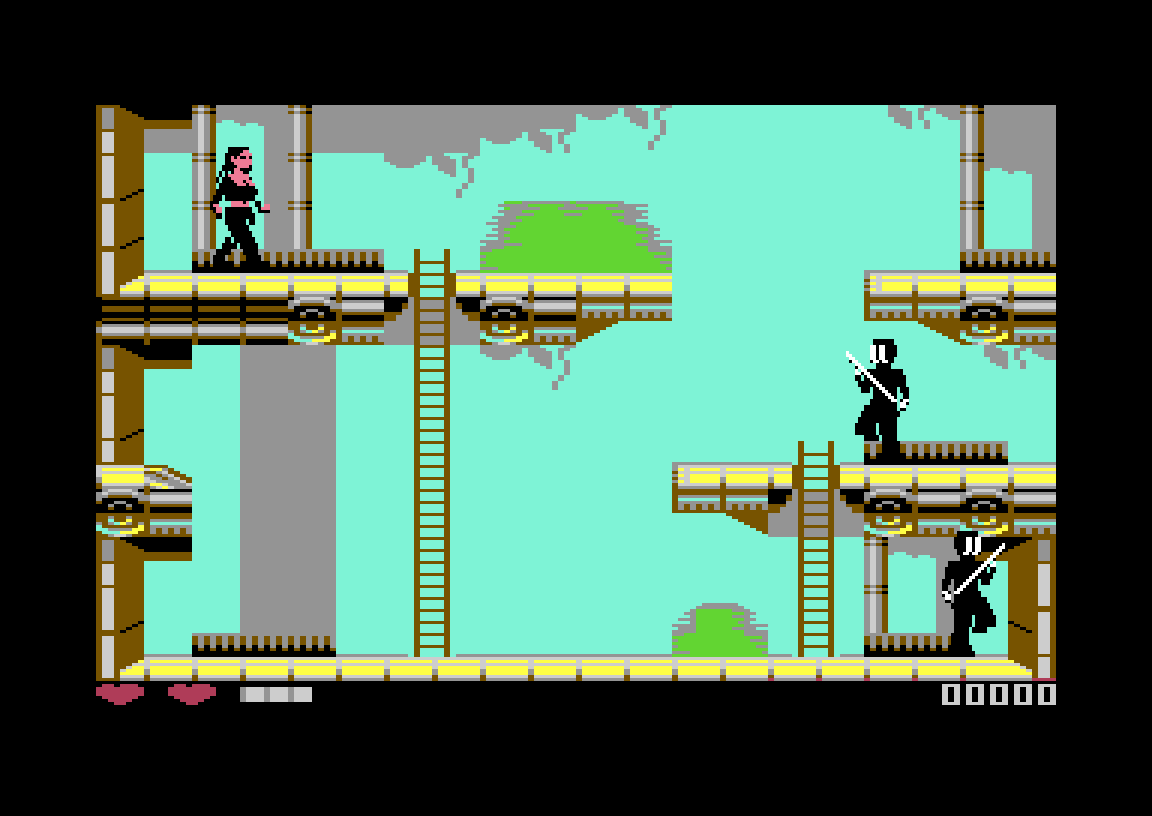
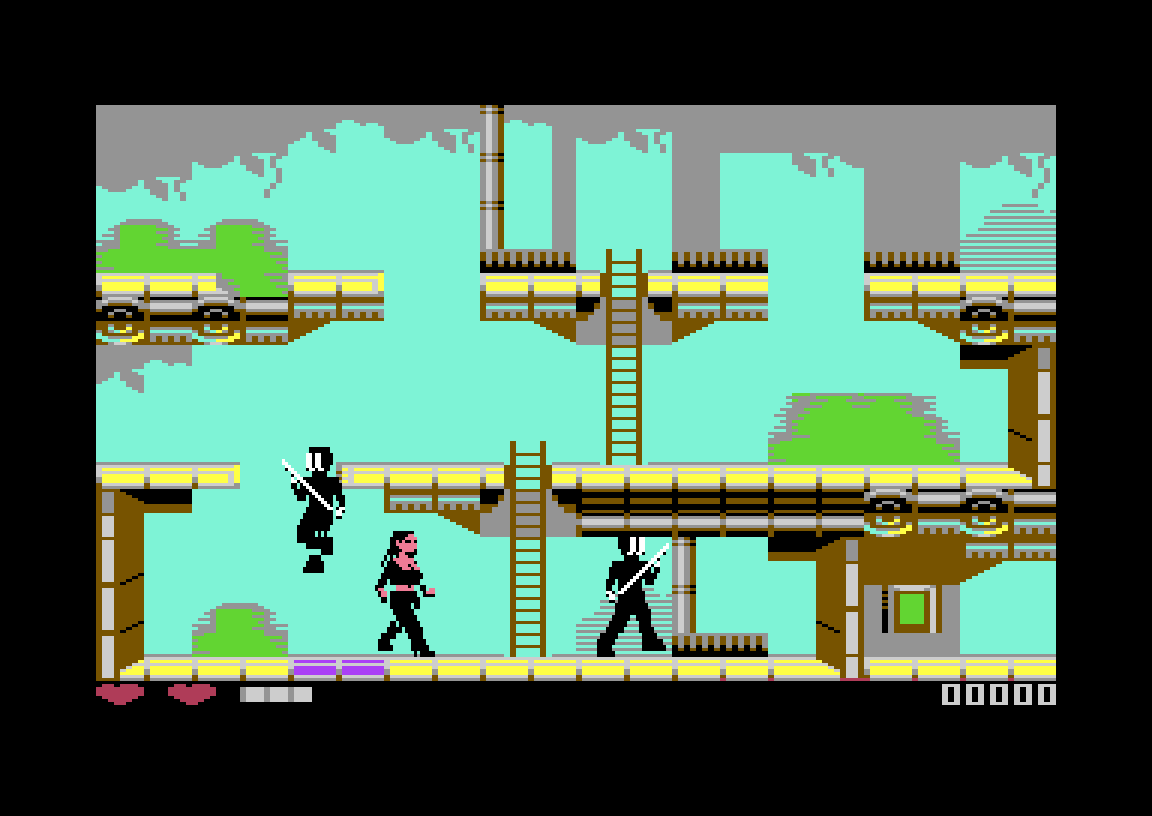
Domain 83 drops you into a side-view complex built from girders, pipework, ladders and catwalks. Each screen holds several floors connected by ladders, and androids armed with blades patrol them. Some routes are blocked by doors and trapdoors. These open when you push the flashing buttons, so part of the game is working out which switch opens which path. Hearts at the bottom left of the screen show how many hits you can still take, and your score sits at the bottom right.
One early CSDb comment compares it to Bruce Lee crossed with the Amiga classic Flashback. That fits the mix of climbing, switch puzzles and close-range fighting.
Controls
| Joystick (port 2) | Action |
|---|---|
| Left / Right | Run |
| Fire | Punch at close range |
| Fire while running | Flying kick from a distance |
| Up | Jump, climb up ladders |
| Down | Crouch, climb down ladders |
On this site, joystick port 2 is mapped to the cursor keys, and fire is Ctrl. See the keyboard table below the emulator for all mappings.
Tips & strategy
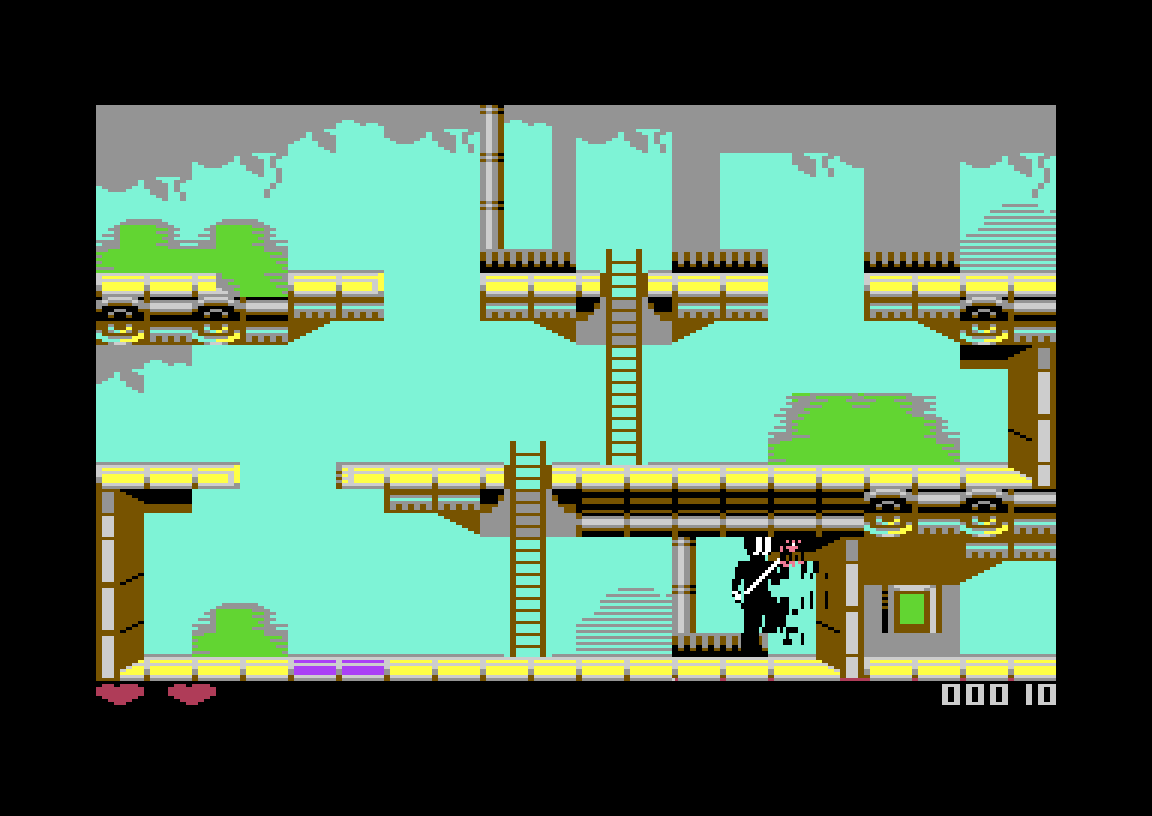
- Open with the flying kick. It hits from further away than an android’s blade, so run in and press fire before you’re in range of their attack.
- Crouch to dodge, but not for long. Crouching avoids enemy attacks. The author warns that the androids get smarter as you progress and learn to hit crouching players.
- Look for flashing buttons. Closed doors and trapdoors are not dead ends. Find the flashing button that opens them.
- Use the ladders. Changing floors is the quickest way to escape a fight you are losing.
History & version notes
Dr. TerrorZ also made the PETSCII game Digiloi, which you can play here too. Domain 83 was finished for the Zoo 2026 party in October 2026. The version here is that party release. The author has said on CSDb that it still has some glitches, for example getting stuck in the scenery, and that a fixed version may follow. Several scene groups (Laxity, Shadow, Excess and Hokuto Force) released trained versions on the same day.
FAQ
Can I play Domain 83 online?
Yes. Press START on this page to run it in the browser C64 emulator. Use the cursor keys to move and Ctrl to fire.
Who made Domain 83?
Dr. TerrorZ made the whole game alone: code, graphics and music. It was released on 26 October 2026 at the Zoo 2026 party.
How do I do the flying kick?
Press fire while running. A fire press while standing gives a close-range punch instead.
How do I open doors and trapdoors?
Push the flashing buttons in the level. They open the doors and trapdoors that block your way.
Is Domain 83 free?
Yes. Dr. TerrorZ released it for free on itch.io and CSDb.
Credits & download
Code, graphics, music: Dr. TerrorZ
Released: Zoo 2026 party, 26 October 2026 (Zoo Edition)
Official page: Domain 83 on itch.io
Release info: Domain 83 on CSDb
More from the same author: Dr. TerrorZ games. More from the same year: 2026 C64 games.
In order to play Domain 83 online, click on the start button located below the Commodore 64 emulator window.
This file type doesn't support auto Joystick port detection. Please choose 'Joystick Swap Ports' if needed.
Domain 83 C64 keyboard mapping
When you start a game, each joystick port is automatically turned on. Sometimes this causes a problem as the joystick port is mapped to the keys below. If a game uses these keys, you need to turn off the joystick ports.
C64 emulator joystick - keyboard mappings| DIRECTION | JOYSTICK 1 | JOYSTICK 2 |
|---|---|---|
| LEFT | A | CURSOR LEFT |
| RIGHT | D | CURSOR RIGHT |
| UP | W | CURSOR UP |
| DOWN | S | CURSOR DOWN |
| FIRE | LEFT / RIGHT CTRL | LEFT / RIGHT SHIFT |