
C64 Blade of Victory
Play 'Blade of Victory' on C64 online.
Blade of Victory game data
Commodore 64 game name: Blade of Victory | Release date:
2026 |
Publisher: Donut 80 |
Game media type: prg |
Language: en
User rating of this C64 game (you can also rate it under the C64 emulator):
About Commodore 64 Blade of Victory
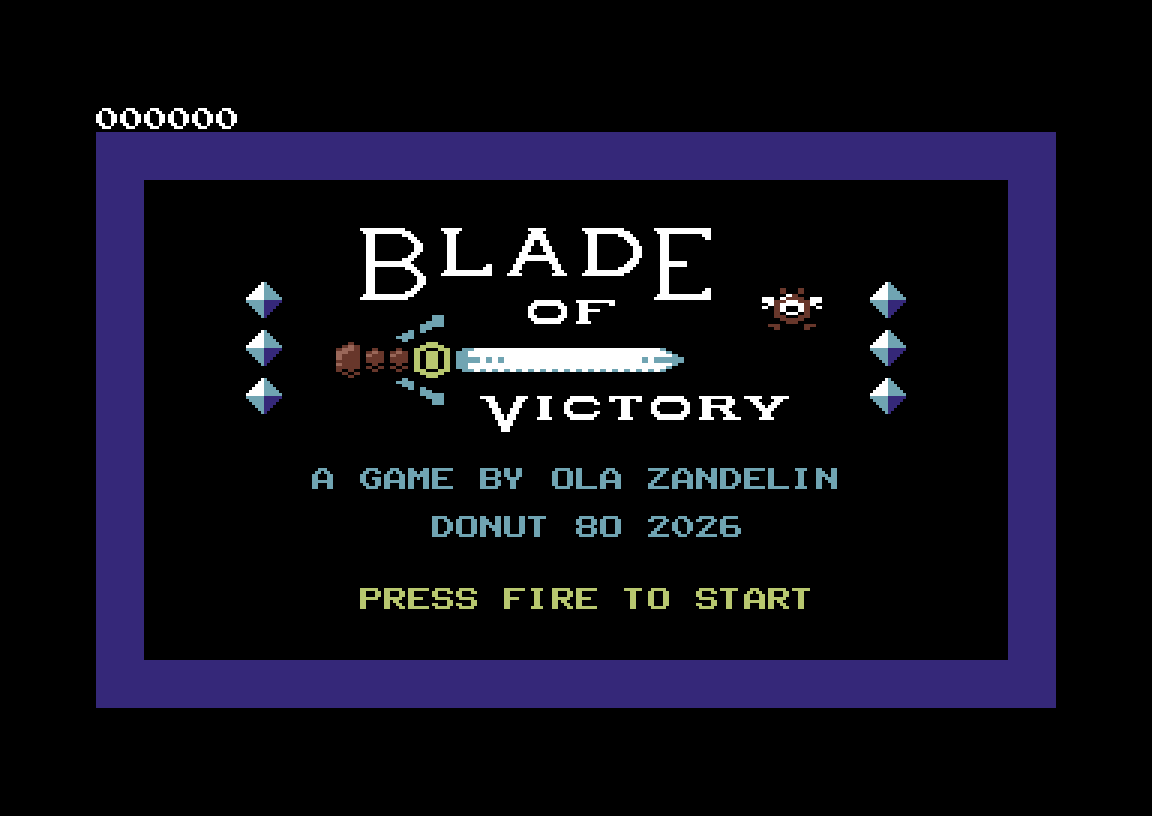
Blade of Victory is a fantasy platform adventure for the Commodore 64 by Ola Zandelin of Donut 80, released as a free download on 23 November 2026. You take up your sword and cross eight lands, from scorching deserts and ancient pyramids to dark caves, lakes and castles, to defeat the Evil Warlock. Each land ends with a boss, enemies can be cut down with the sword or stomped, and the coins you collect buy extra lives, hearts and diamonds from merchants hidden in the levels. You can play it in your browser on this page.
Quick facts
- Genre: side-scrolling fantasy platform adventure
- Developer: Ola Zandelin (Donut 80, Sweden)
- Released: 23 November 2026, free download from donut80.com
- Players: 1
- Levels: 8 lands, each with its own boss
- Controls: joystick in port 2
- Format: single-file PRG
How to start the game
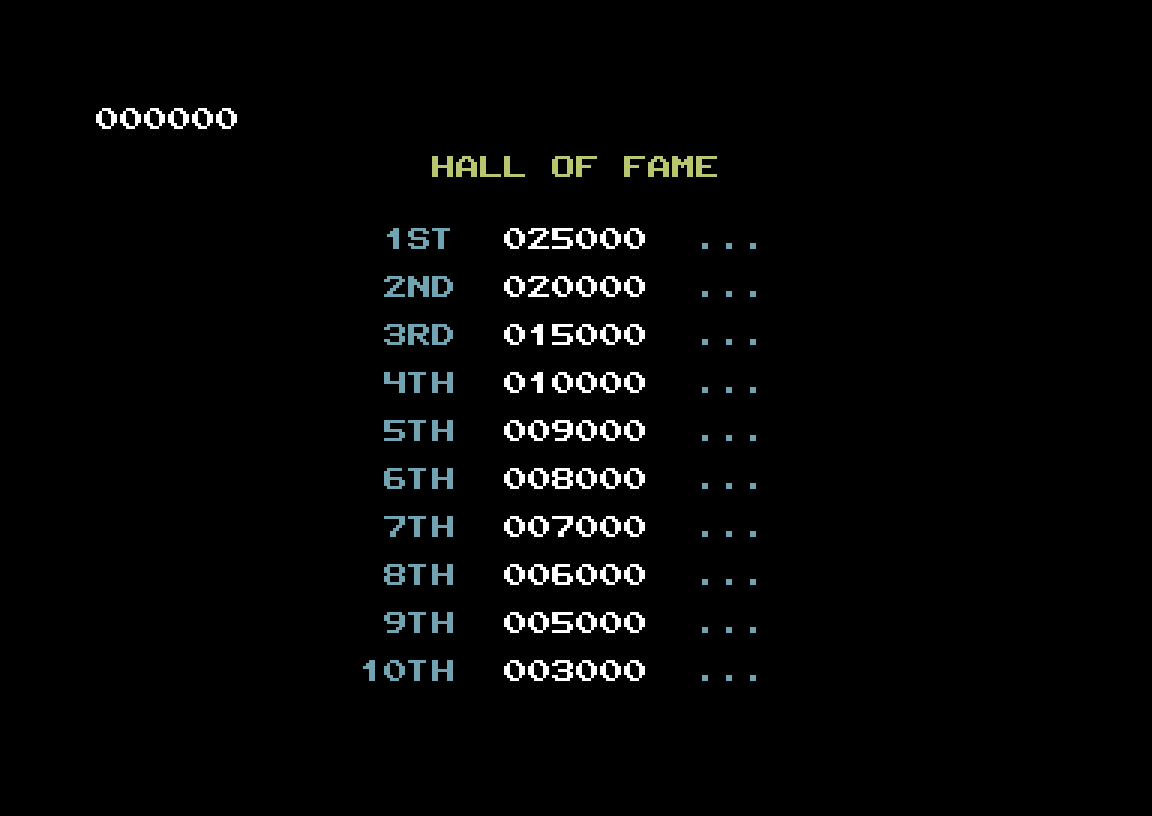
Press START below and wait. In our tests the screen stayed black for about 20 to 30 seconds before the title screen appeared, so don’t give up early. When you see “Press fire to start”, press Ctrl (fire for joystick port 2 on this site). If you wait instead, the game shows its Hall of Fame and then the title again, and fire works on either screen. On a phone or tablet, touch the emulator screen once to show the direction pad, then tap the left half of the screen to fire.
About the game
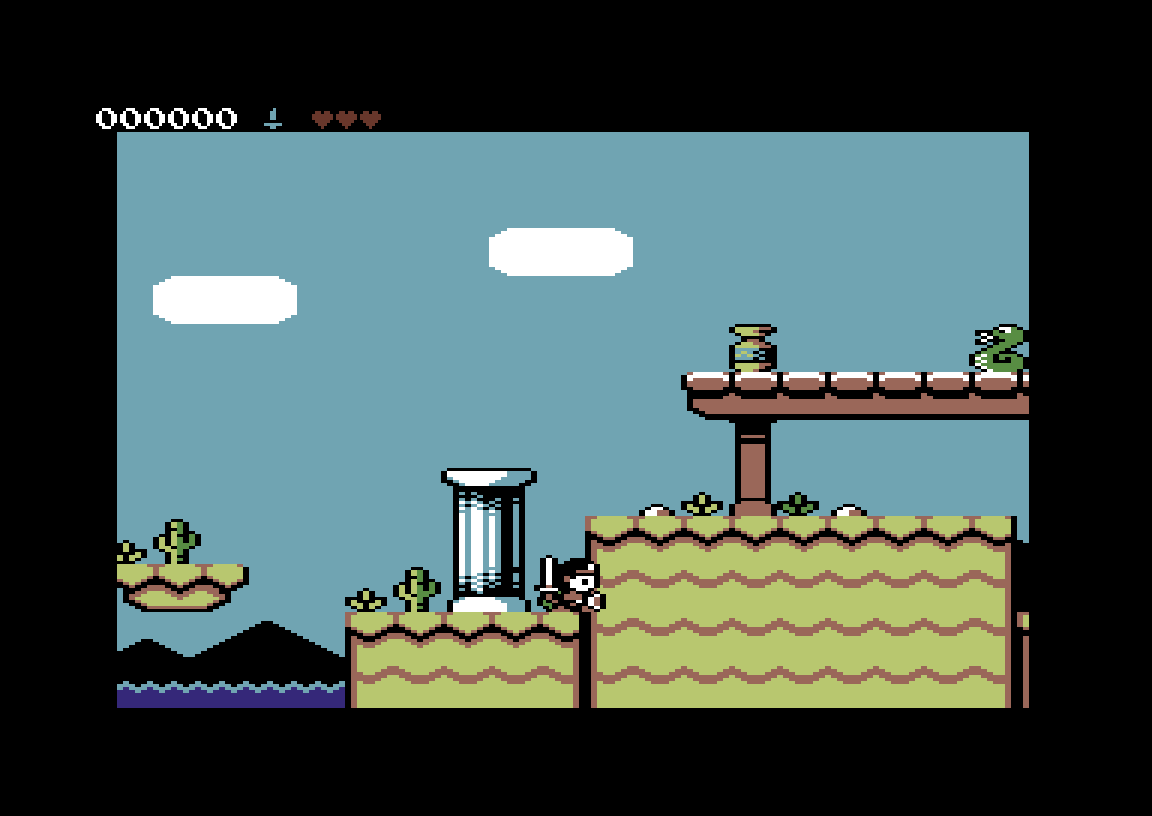
The Evil Warlock has taken over the realm, and only you and your sword stand in his way. The quest leads through eight different lands: scorching deserts, ancient pyramids, dark caves, rocky cliffs, treacherous lakes and imposing castles. Each one is full of enemies, secrets and challenges. Donut 80 lists rattling skeletons, armoured knights, ghosts, fish and “bizarre winged creatures” among the dangers.
At the end of every land a guardian waits. There are eight unique bosses between you and the final fight with the Evil Warlock.
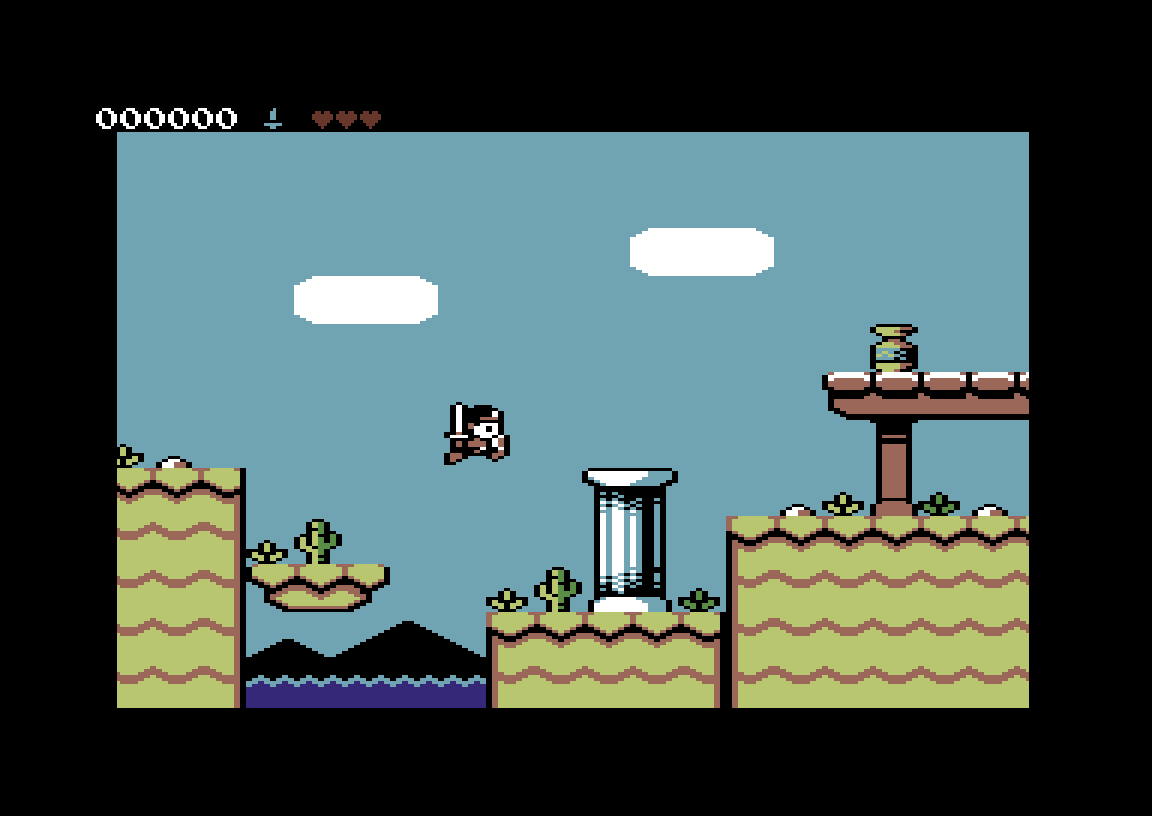
The first land starts in the desert. You jump across gaps over the water, between cactus-topped rocks and a stone column, while the screen scrolls along with you. Fall into the water and you lose a life. The top line of the screen shows your score, your remaining lives and your hearts (health).
How to play
Your sword is your main weapon, but you can also stomp on enemies by jumping on top of them. Along the way you collect coins and other treasure. Travelling merchants are hidden in the levels, and they sell three things:
- Extra lives
- Hearts, which increase your health
- Diamonds, which boost your score
Donut 80’s own advice: knowing when to save your coins and when to spend them “may prove vital to your quest”. According to the CSDb release notes, some platforms are hidden and only appear after you collect an item, so look around before you give up on a gap that seems too wide.
Controls
| Joystick (port 2) | Action |
|---|---|
| Left / Right | Walk |
| Up | Jump, or climb up a ladder |
| Down | Climb down a ladder |
| Fire | Swing the sword, start the game |
On this site, joystick port 2 is on the cursor keys and fire is Ctrl. Push up to jump, then steer left or right in the air to cross a gap. The full key list is in the keyboard mapping table below the emulator.
Scoring
| Item | Points |
|---|---|
| Blue crystal | 35 |
| Coin | 50 |
| Diamond | 750 |
Donut 80 and the C64
Donut 80 is the 8-bit-style label of Swedish game developer Ola Zandelin, who also runs the mobile and web games brand Donut Games. Zandelin is no newcomer to the Commodore 64: he made Blast Force (1987), Space Towers (1988) and Venture (1989) for it in the 1980s, and in 2025 he co-created the C64 games Musketeer and Sherwood as part of Griffonsoft.
Donut 80 started as a collection of browser games with pixel art and chip music. Zandelin then wrote a Commodore 64 exporter for his own game-making tools, which include a scripting language designed to run fast on 8-bit processors. The first Donut 80 game for the C64 came out in December 2025, and by November 2026 six of the browser games had been adapted. In Donut 80’s words, the games run “on real 8 bit hardware, using our own custom scripting engine”.
Blade of Victory is different from the others. The six earlier C64 releases open with a screen that says they were adapted from the original web game at donut80.com. Blade of Victory has no such screen, it is credited simply as “A game by Ola Zandelin”, and there is no browser version of it on donut80.com. As far as we know, it was made for the C64 first. It came out about a week after Icy Escort, Donut 80’s previous C64 game.
Reception
Indie Retro News covered the release on the day it came out and called it “another fabulous platformer for the C64”. In his video review, YouTuber BastichB 64K praised its “very tight gameplay” and its synth soundtrack, and said that Ola Zandelin had confirmed to him that the game is a tribute to Wonder Boy in Monster Land on the Sega Master System. If you like Blade of Victory, try Wonderboy (Activision, 1987), the C64 version of the arcade game that started the series.
A cracked version with a trainer, “Blade of Victory +2” by Excess, appeared on CSDb the same day.
FAQ
Can I play Blade of Victory online?
Yes. Press START on this page and the Commodore 64 version runs in your browser. Wait for the title screen (about 20 to 30 seconds), then press Ctrl to start. Use the cursor keys to move and jump.
Who made Blade of Victory?
Ola Zandelin, the Swedish developer behind Donut 80 and Donut Games. The title screen credits it as “A game by Ola Zandelin, Donut 80 2026”.
When was Blade of Victory released?
It came out on 23 November 2026 as a free PRG download on donut80.com.
How many levels does Blade of Victory have?
Eight lands, including deserts, pyramids, caves, cliffs, lakes and castles. Each one ends with a boss, and after the eighth guardian you face the Evil Warlock.
How do I jump and attack in Blade of Victory?
Push the joystick up to jump and press fire to swing your sword. You can also stomp enemies by landing on them. Up and down also climb ladders.
What can I buy with coins?
Merchants hidden in the levels sell extra lives, hearts that increase your health, and diamonds worth 750 points.
Credits and source
Game by Ola Zandelin, Donut 80, 2026. Official download and description: Donut 80 Commodore 64 games. Release news: Indie Retro News. Cracked version: Blade of Victory +2 on CSDb.
In order to play Blade of Victory online, click on the start button located below the Commodore 64 emulator window.
This file type doesn't support auto Joystick port detection. Please choose 'Joystick Swap Ports' if needed.
Blade of Victory C64 keyboard mapping
When you start a game, each joystick port is automatically turned on. Sometimes this causes a problem as the joystick port is mapped to the keys below. If a game uses these keys, you need to turn off the joystick ports.
C64 emulator joystick - keyboard mappings| DIRECTION | JOYSTICK 1 | JOYSTICK 2 |
|---|---|---|
| LEFT | A | CURSOR LEFT |
| RIGHT | D | CURSOR RIGHT |
| UP | W | CURSOR UP |
| DOWN | S | CURSOR DOWN |
| FIRE | LEFT / RIGHT SHIFT, E | LEFT / RIGHT CTRL |
RUN/STOP key: press Esc on your keyboard. Some games ask for RUN/STOP to start or to pause. On a phone or tablet, open the virtual C64 keyboard and tap RN/SP.
Fire button: most games use joystick 2, so when a game says "press fire", press Ctrl. If nothing happens, try Shift (joystick 1). While joystick 1 is on, the keys W, A, S, D and E do not reach the game as letters. If a game asks you to type one of them, use the virtual C64 keyboard (keyboard icon) or switch joystick 1 off for a moment. On a phone or tablet, touch the game screen once to show the direction pad on the right. After that, the left half of the game screen is the fire button.