
C64 Alley Cat (2026)
Play 'Alley Cat (2026)' on C64 online.
Alley Cat (2026) game data
Commodore 64 game name: Alley Cat (2026) | Release date:
2026 |
Publisher: Aleksi Eeben |
Game media type: prg |
Language: en
User rating of this C64 game (you can also rate it under the C64 emulator):
About Commodore 64 Alley Cat (2026)
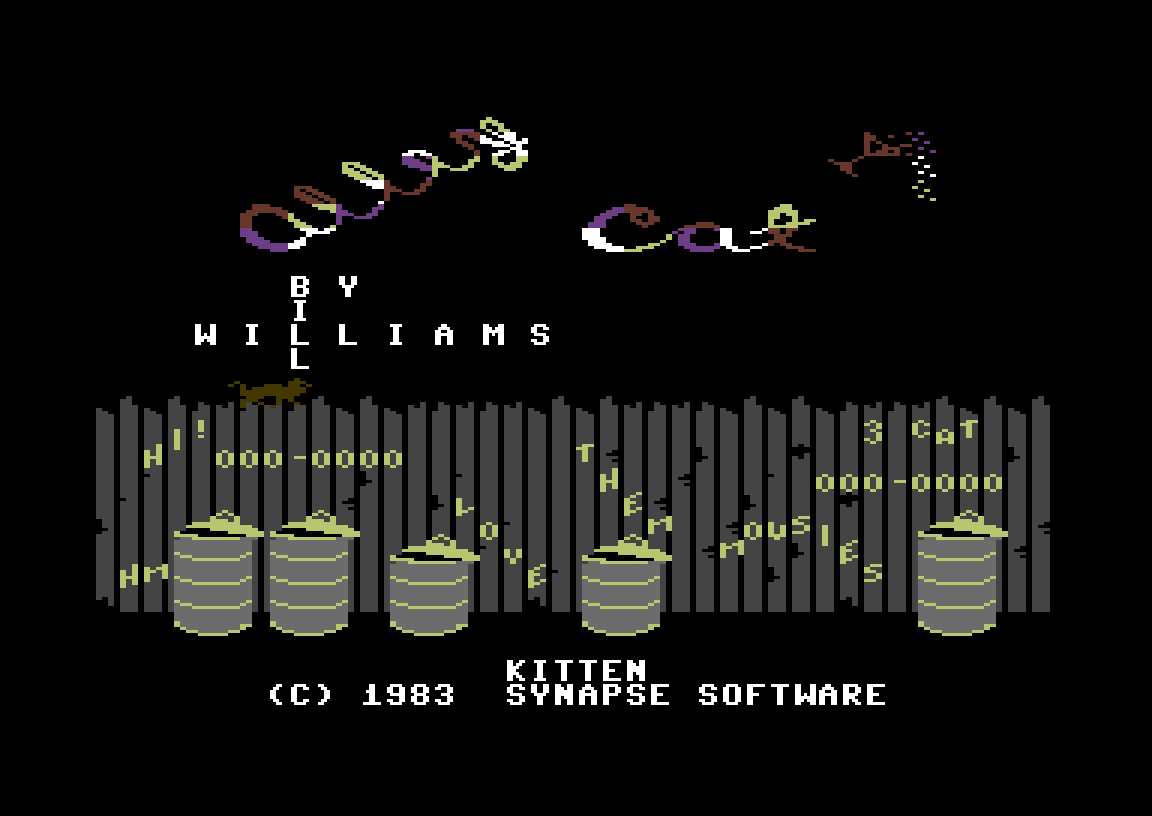
Alley Cat (2026) is the first Commodore 64 version of Bill Williams’ 1983 classic Alley Cat, ported from the Atari 8-bit original by Aleksi Eeben and released on 20 November 2026. Alley Cat first appeared on Atari 8-bit computers from Synapse Software and became famous through its IBM PC version, but it never came out on the C64. Now it has, about 43 years later. You play Freddy the cat, who jumps on dustbins, climbs through windows and causes trouble in other people’s flats. The port is a free, single-file game, and you can play it in your browser on this page.
Quick facts
- Genre: action game with several mini-games
- C64 port: Aleksi Eeben (CNCD), under the “Carillon Software Archaeology Department” banner
- Original game: Bill Williams, Synapse Software, 1983 (Atari 8-bit)
- Released: 20 November 2026 on CSDb, free
- Players: 1
- Controls: joystick in port 2
- Format: single-file PRG
How to start
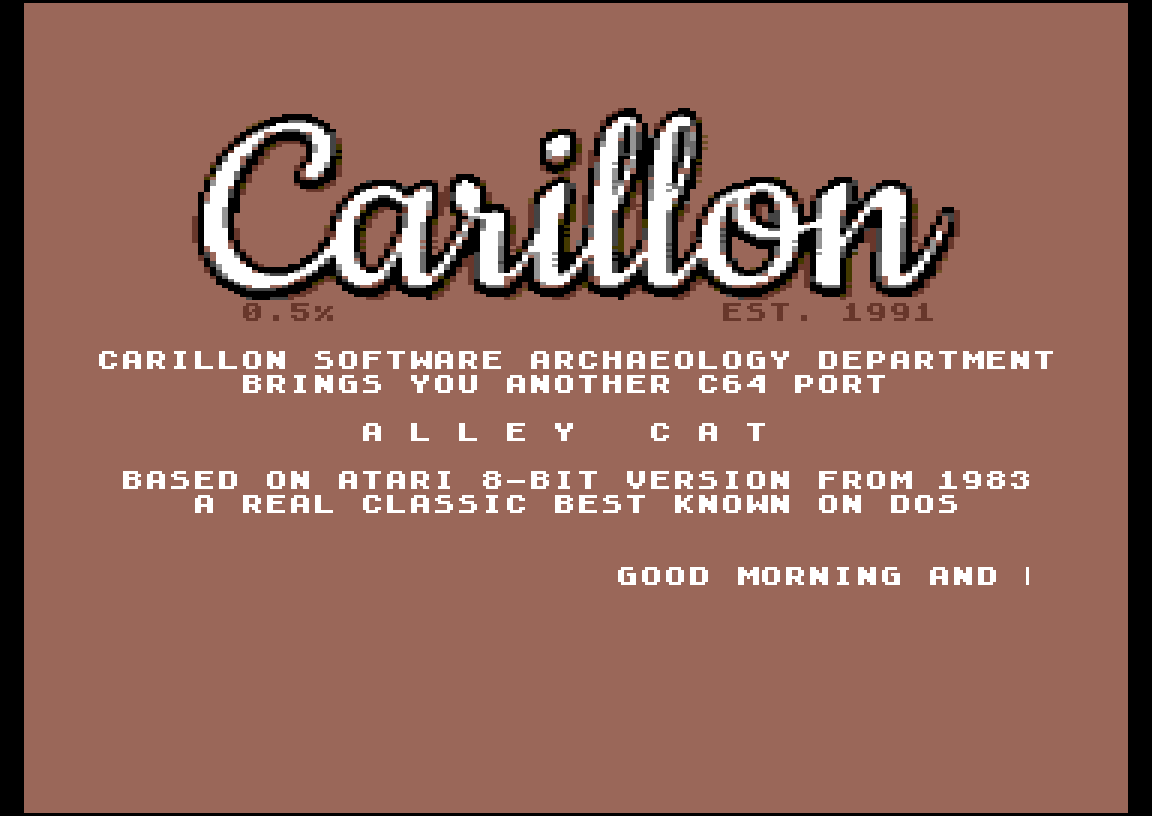
Press START and wait a few seconds for the Carillon intro with its scrolling text. Press Space to leave the intro. When the Alley Cat title screen appears, press fire to begin. On this site, joystick port 2 is on the cursor keys, and the Ctrl key worked as fire in our test.
About the game
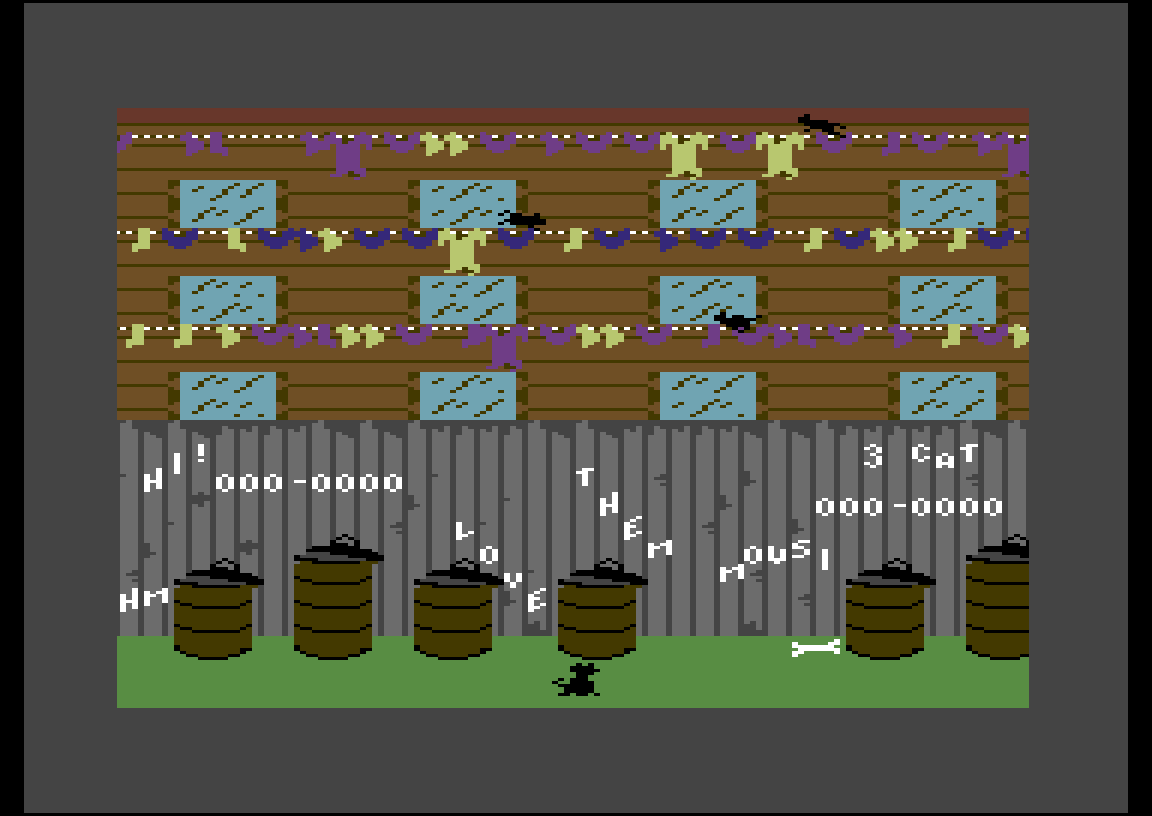
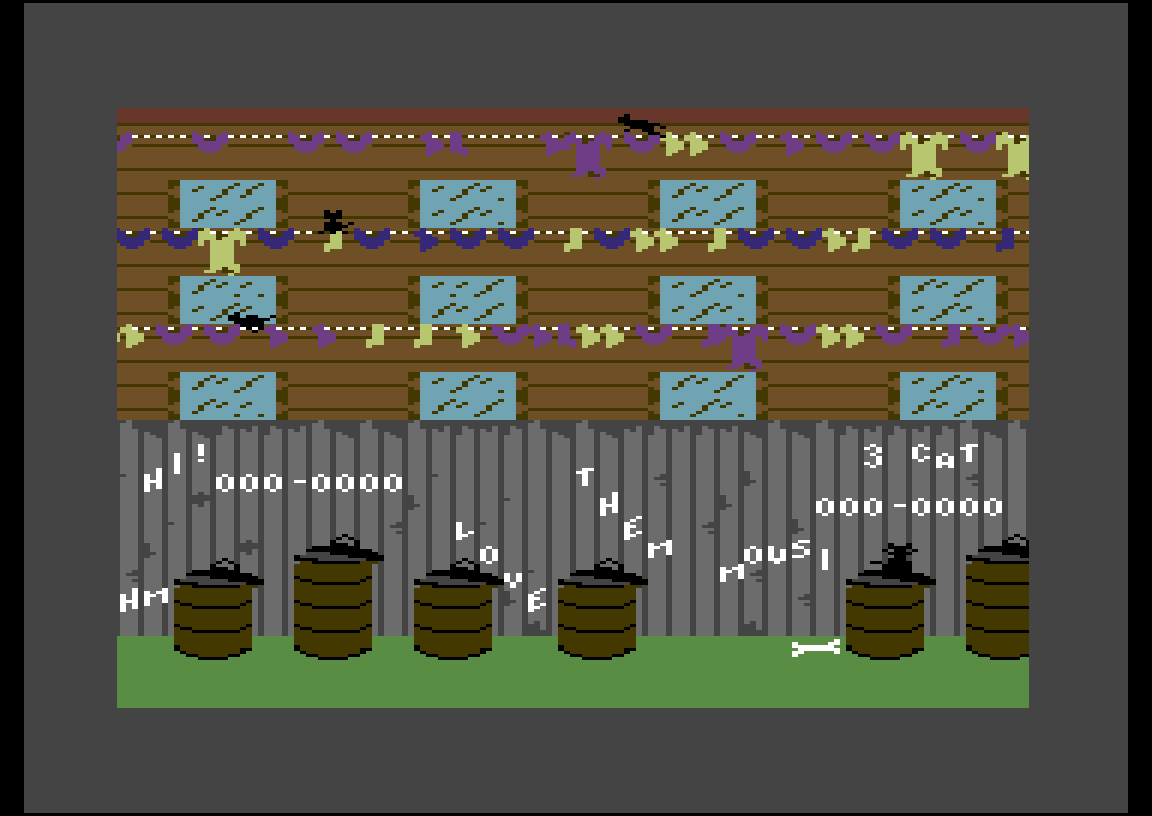
The game begins in the alley behind a block of flats. Dustbins stand along the fence, clotheslines hang between the windows, and things come flying out of those windows. Freddy has to work his way up from the ground: onto a dustbin, onto the fence, along the clotheslines and finally through an open window.
Behind each window is a room with its own small game. The author’s intro text sums up the job: “jump on dustbins, climb through windows, chase mice, steal fish, knock things over, and generally behave like a cat”. The rooms include a fishbowl, a bird in a cage and mice to catch. You also have to “avoid dogs, brooms, and other unpleasant features of urban life”. And when the time comes for romance, Freddy must “prove your love by dodging other cats and collecting hearts”.
Controls
| Joystick (port 2) | Action |
|---|---|
| Left / Right | Run |
| Up | Jump (onto dustbins, the fence and the clotheslines) |
| Fire | Start the game |
| Space | Skip the intro |
The full key list for this site is in the keyboard mapping table below the emulator.
How the port was made
Aleksi Eeben tells the story in the intro’s scrolling text. He had already ported Elite, Ultima I–III and Video Chess to the VIC-20 by hand. Alley Cat was his first attempt at an AI-assisted port, started in February and March 2026. The Atari code was disassembled and the tile data and rooms were extracted, but the first attempt went badly and the project was shelved. In late November 2026, after mentioning it in a talk at a Finnish retro event, he took it up again with another AI assistant he calls “Chat Pete”, and this time the game ran on the C64.
The text also lists some of the technical work. The alley scrolls with raster interrupts in 38-column mode. The Atari’s tall player graphics are cut into C64 sprites and put back together on the fly. Sprite collisions are checked by matching visible pixels, because the VIC-II chip only reports that sprites touched, not which ones. The Atari’s POKEY sounds were rewritten for the SID chip.
The author says openly that there are “some bugs left”. CSDb marks the release as containing AI-generated content, and it reached a user rating of 9.3 out of 10 in its first days.
Not the same as the 1984 “Alley Cat”
This site also has an older C64 game with the same name: Alley Cat (1984), credited on its title screen to John Shay and Solar Software. That is a different game. The page you are reading is the conversion of Bill Williams’ Alley Cat.
More new conversions of old classics from November 2026: Batman (1986 Isometric) and Amaurote Isometric Turbo.
FAQ
Can I play Alley Cat online on the C64?
Yes. Press the START button on this page and the 2026 Commodore 64 port of Alley Cat runs in your browser. Press Space to skip the intro, then press fire on the title screen.
Was Alley Cat ever released for the Commodore 64?
Not in the 1980s. Bill Williams’ Alley Cat came out for Atari 8-bit computers in 1983 and later for the IBM PC. The first Commodore 64 version is this port by Aleksi Eeben, released on 20 November 2026.
Who made the C64 version of Alley Cat?
Aleksi Eeben of the group CNCD made the Commodore 64 port. It is based on the Atari 8-bit version from 1983 by Bill Williams and was made with AI assistance, as the author describes in the intro text.
Is the C64 Alley Cat port free?
Yes. The game was released as a free download on CSDb, the Commodore 64 Scene Database, as a single PRG file.
How do I control Freddy the cat?
Use a joystick in port 2. Left and right make Freddy run, and up makes him jump. On this site, port 2 is on the cursor keys.
Credits and source
Original game by Bill Williams, © 1983 Synapse Software. Commodore 64 port by Aleksi Eeben, 2026. Source and download: Alley Cat on CSDb.
In order to play Alley Cat (2026) online, click on the start button located below the Commodore 64 emulator window.
This file type doesn't support auto Joystick port detection. Please choose 'Joystick Swap Ports' if needed.
Alley Cat (2026) C64 keyboard mapping
When you start a game, each joystick port is automatically turned on. Sometimes this causes a problem as the joystick port is mapped to the keys below. If a game uses these keys, you need to turn off the joystick ports.
C64 emulator joystick - keyboard mappings| DIRECTION | JOYSTICK 1 | JOYSTICK 2 |
|---|---|---|
| LEFT | A | CURSOR LEFT |
| RIGHT | D | CURSOR RIGHT |
| UP | W | CURSOR UP |
| DOWN | S | CURSOR DOWN |
| FIRE | LEFT / RIGHT CTRL | LEFT / RIGHT SHIFT |
RUN/STOP key: press Esc on your keyboard. Some games ask for RUN/STOP to start or to pause. On a phone or tablet, open the virtual C64 keyboard and tap RN/SP.