
C64 Tenebra 2
Play 'Tenebra 2' on C64 online.
Tenebra 2 game data
Commodore 64 game name: Tenebra 2 | Release date:
2022 |
Publisher: Haplo |
Game media type: prg |
Language: en
User rating of this C64 game (you can also rate it under the C64 emulator):
About Commodore 64 Tenebra 2
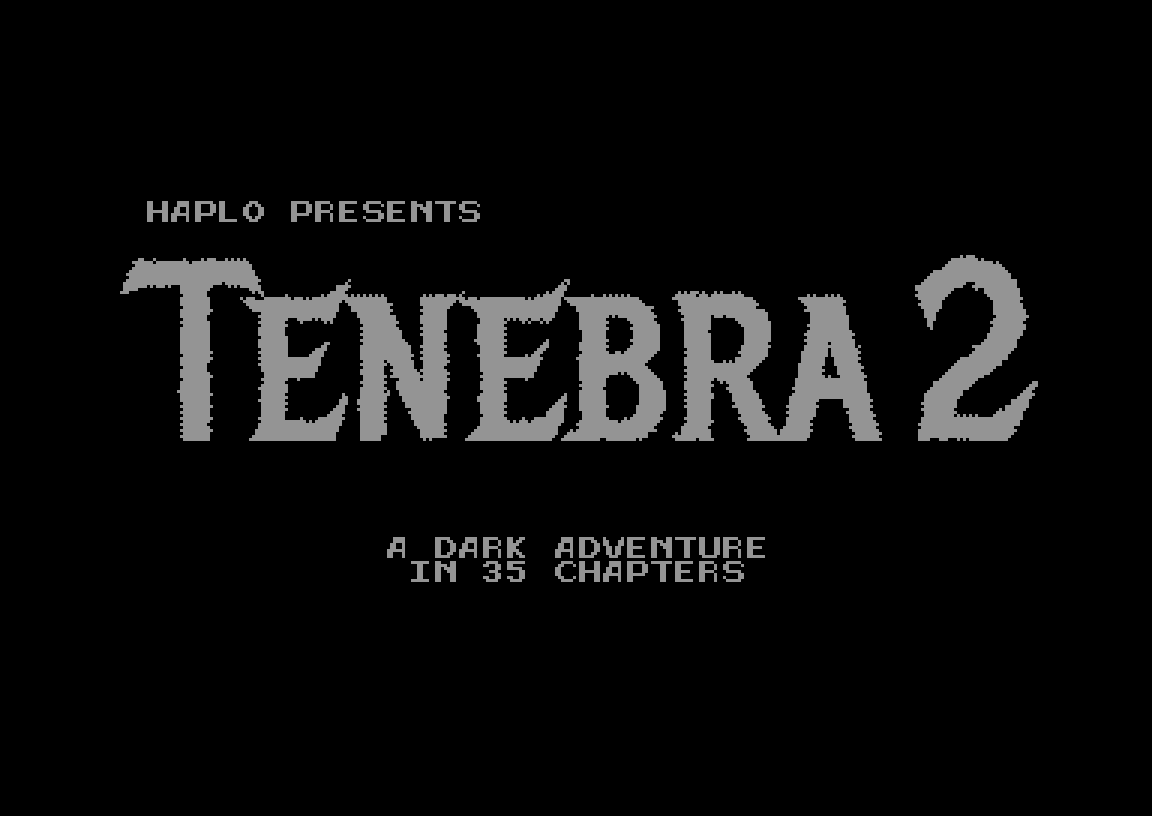
Tenebra 2 is a 35-level puzzle game for the Commodore 64 by Haplo, released on 28 October 2022. You guide a hero who is afraid of the dark and won’t step outside the light. Carry torches, slip through cracks in the walls and, new in this sequel, use a portal gun to reach the gate. Play it free in your browser right here.
Quick facts
- Genre: puzzle game with rogue-like looks
- Developer: Haplo (code, graphics, design)
- Released: 28 October 2022 (a preview came out on 1 October 2022)
- Levels: 35, with level codes
- Players: 1
- Controls: joystick, plus a few keys
- Video: PAL and NTSC
- Price: name your own price on itch.io
How to play
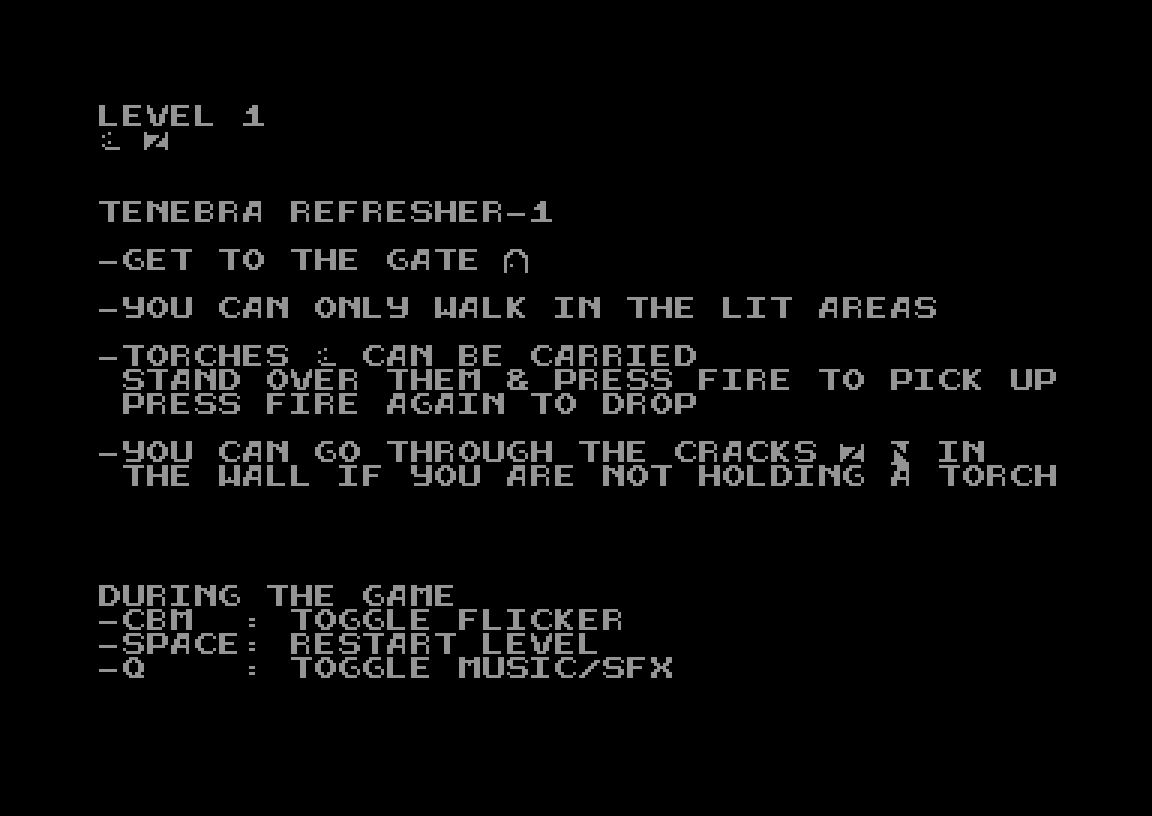
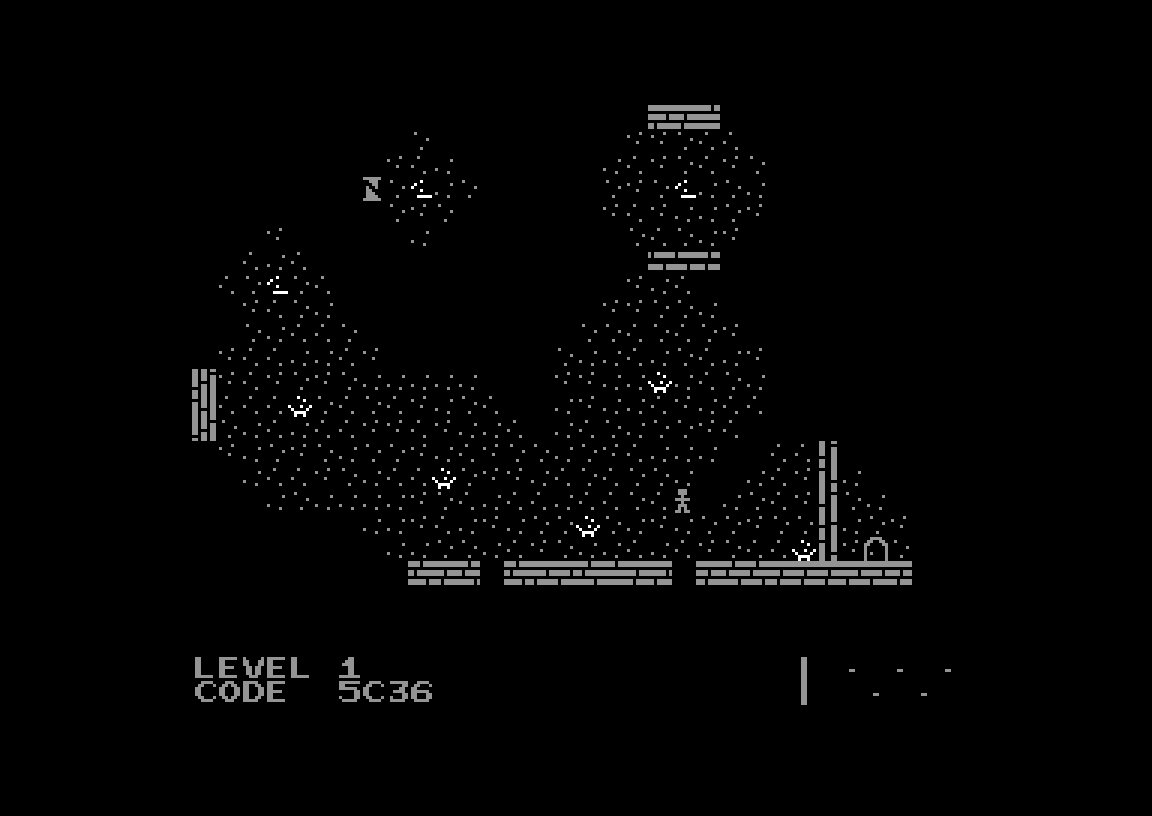
Every level is a dark dungeon with small pools of light. Your goal is always the same: get to the gate. The catch is that the hero only walks where it is lit. The briefing before level 1 explains the basics:
- You can only walk in lit areas.
- Torches can be carried. Stand over one and press FIRE to pick it up, and press FIRE again to drop it.
- You can pass through cracks in the wall, but only when you are not holding a torch.
So every level is a puzzle about light. You decide which torch to carry where, when to put it down and how to get back. Tenebra 2 adds a portal gun to the toolkit, and the later levels get noticeably more complex than in the first game.
Controls
- Joystick: move. Fire: pick up or drop a torch.
- SPACE: restart the level
- Q: switch between music and sound effects
- C= (Commodore key): toggle sprite flicker
In the browser, the joystick is on the cursor keys. The fire key is listed in the keyboard mapping table below the emulator.
Level codes
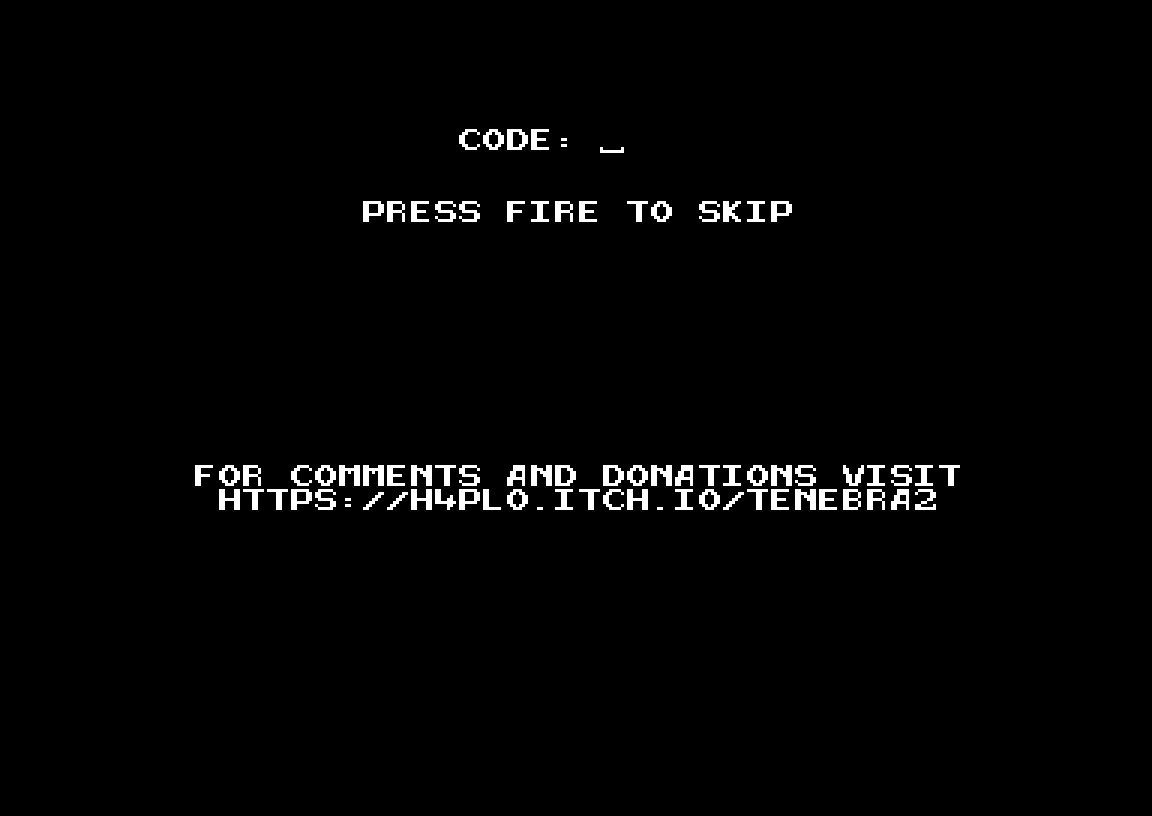
During play, the current level’s four-character code is shown at the bottom of the screen.After the title screen, the game asks for a code. Type it in to jump straight back to that level, or press FIRE to start from level 1. Write the codes down as you go, because the browser emulator doesn’t keep your progress between visits.
Tips
- Before you move, work out where the light needs to end up. Most levels are solved in your head first.
- Dropping a torch is often the key move. It leaves light behind so you can walk back.
- Stuck in the dark? Press SPACE to restart the level. It costs nothing.
About Tenebra 2
Tenebra 2 is the sequel to Haplo’s Tenebra (C64, December 2021) and its expanded Tenebra Extended (June 2022). The C64 version came out in 2022, and Haplo later released it for the Plus/4, Amiga, Atari ST, Atari Jaguar, Atari 8-bit, ZX Spectrum, Amstrad CPC, MSX and NES. It is rated 10/10 on CSDb and around 4.5/5 on itch.io. It is a different game from Tenebra Macabre (2019), which was made by another team.
More 2022 releases are in the 2022 C64 games list.
FAQ
Can I play Tenebra 2 online?
Yes. Press START under the emulator, then press fire on the title and code screens to start level 1.
What is Tenebra 2?
It is a 35-level puzzle game by Haplo in which you lead a hero who fears the dark to the exit gate. It is the sequel to Tenebra.
What’s new compared to the first Tenebra?
New levels and new elements, most notably a portal gun.
When was Tenebra 2 released on the C64?
On 28 October 2022, after a preview version on 1 October 2022.
Does it run on NTSC machines?
Yes. It supports both PAL and NTSC.
Is Tenebra 2 free?
It is name-your-own-price on itch.io, so you can download it for free or support the author.
Credits & download
Code, graphics, design: Haplo
Download: Tenebra 2 on itch.io · CSDb release
In order to play Tenebra 2 online, click on the start button located below the Commodore 64 emulator window.
This file type doesn't support auto Joystick port detection. Please choose 'Joystick Swap Ports' if needed.
Tenebra 2 C64 keyboard mapping
When you start a game, each joystick port is automatically turned on. Sometimes this causes a problem as the joystick port is mapped to the keys below. If a game uses these keys, you need to turn off the joystick ports.
C64 emulator joystick - keyboard mappings| DIRECTION | JOYSTICK 1 | JOYSTICK 2 |
|---|---|---|
| LEFT | A | CURSOR LEFT |
| RIGHT | D | CURSOR RIGHT |
| UP | W | CURSOR UP |
| DOWN | S | CURSOR DOWN |
| FIRE | LEFT / RIGHT CTRL | LEFT / RIGHT SHIFT |