
C64 Street Sports Pogo
Play 'Street Sports Pogo' on C64 online.
Street Sports Pogo game data
Commodore 64 game name: Street Sports Pogo | Release date:
2026 |
Publisher: Pixel Punx |
Game media type: d64 |
Language: en
User rating of this C64 game (you can also rate it under the C64 emulator):
About Commodore 64 Street Sports Pogo
Street Sports Pogo is a free PETSCII sports party game for the Commodore 64 by the group Pixel Punx, released on 13 May 2026. You pick one of three punks, pump up a pogo stick with frantic joystick wiggling, launch at exactly 45 degrees and stick the landing with quick-time prompts. It is a fan tribute to Epyx’s Street Sports series, and you can play it right here in your browser.
Quick facts
- Genre: sports / party game (pogo-stick distance jump)
- Developer: Pixel Punx: jmin (concept, code, graphics), Goerp (extra concept, testing), LDX#40 (testing)
- Music: Flotsam (“Let’s Pogo!”)
- Released: 13 May 2026
- Players: 1 player per jump, shared high-score table
- Controls: joystick in port 2
- Graphics: full-screen PETSCII
- Price: freeware, “shall never be sold”
What is Street Sports Pogo?
Epyx’s Street Sports games of the late 1980s took neighbourhood sports to the C64. Pixel Punx borrowed the name for a tribute about the silliest street sport of all, the pogo stick. The box story sets the goal: Goerp has held the number one spot on the “Top Jumps” board for weeks. Can you knock him off?
The whole game is drawn in PETSCII, the C64’s built-in character set, and plays like a series of comic-book panels. Every jump is a short performance with four phases, scored like a gymnastics routine.
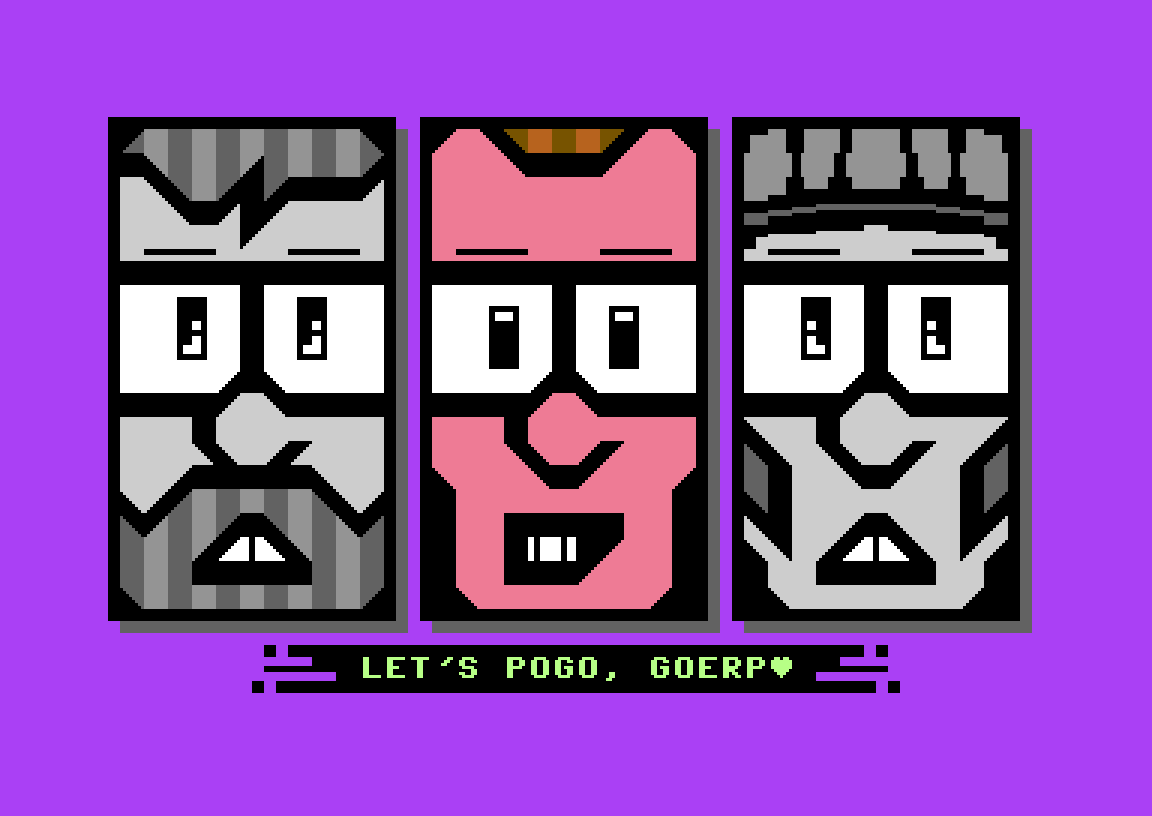
The Punx
- jmin: the beard is an aerodynamic handicap, but he has “the strength and focus of a bear”.
- Goerp: long, bendy legs for a big jump, if you can keep them in check.
- LDX#40: builds power “like a mighty locomotive”, but his cap may slip over his eyes.
How to play
- Get ready. Your punk lines up. No input needed.
- Jumping. Wiggle the joystick left and right to build power. Keep the rhythm steady and clean. A clean rhythm counts as much as raw speed.
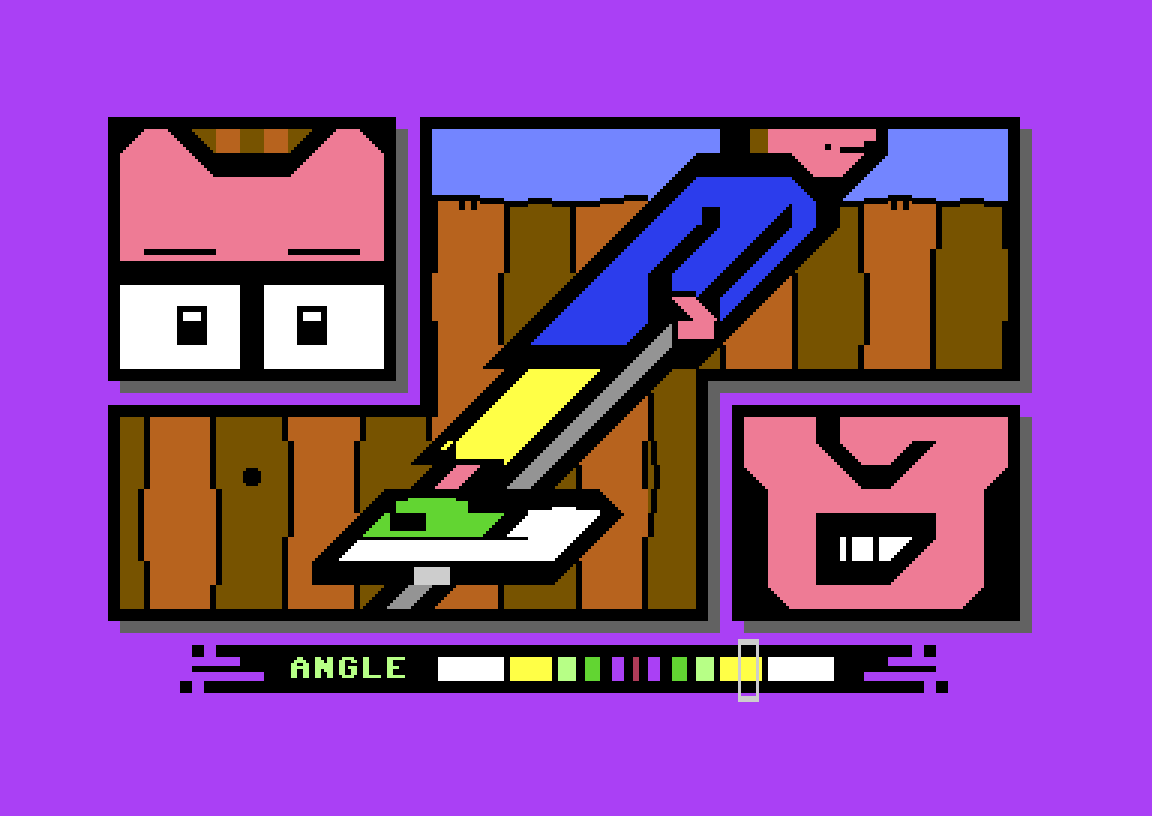
- Angle. Lean forward and press FIRE when the angle meter hits exactly 45°.
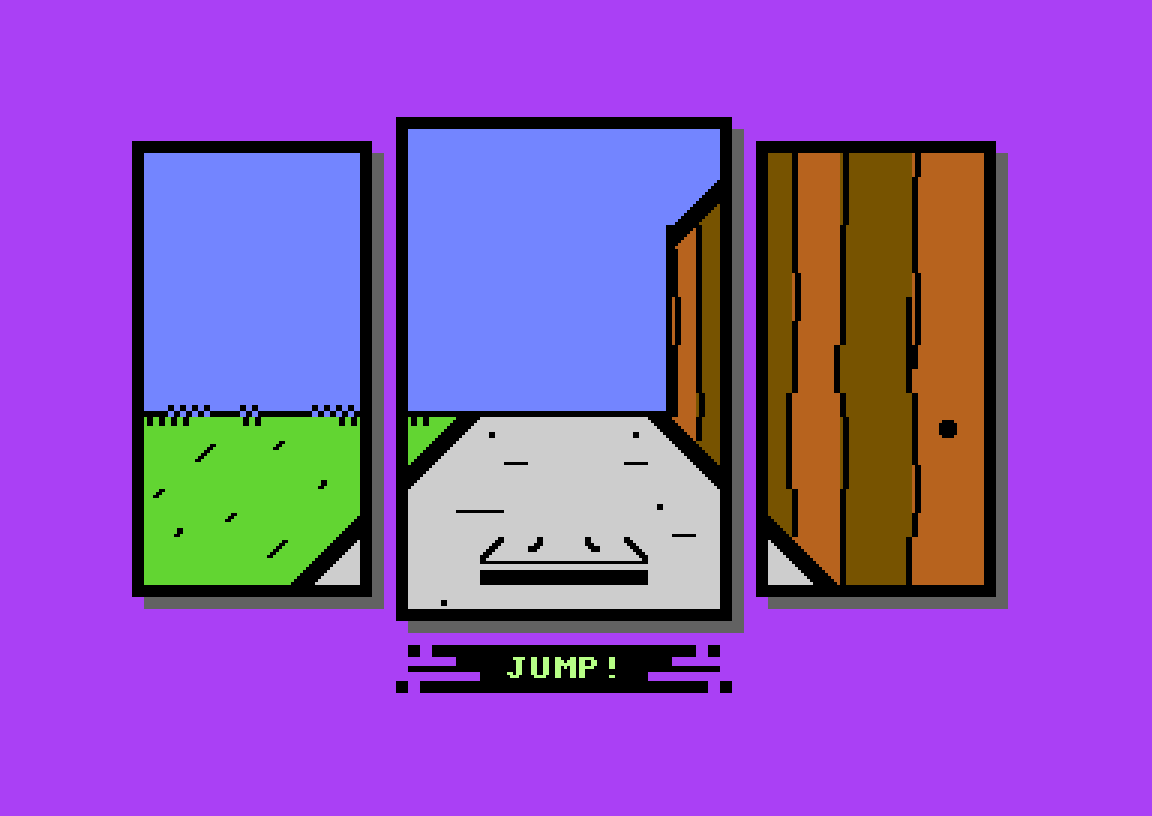
- Landing. React straight away to the LEFT, RIGHT or FIRE prompts to touch down cleanly.
Scoring and achievements
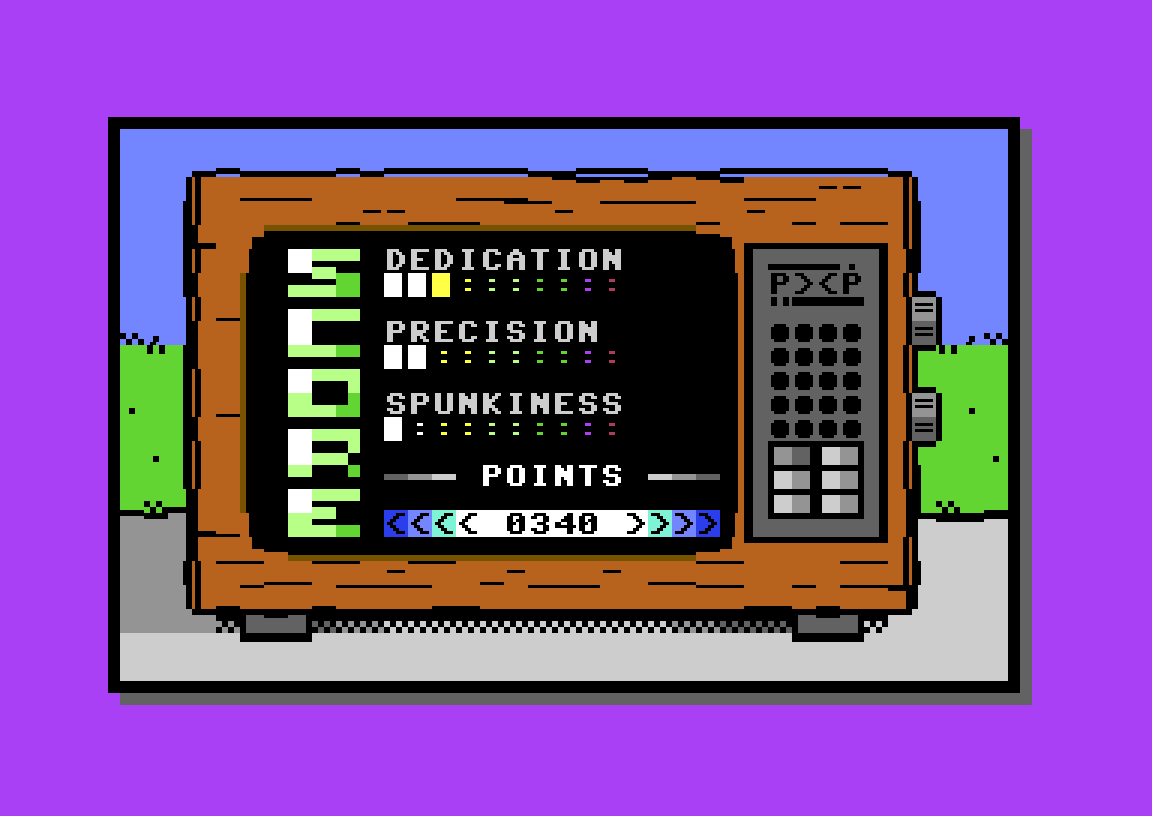
An in-game C64 hooked up to an old TV scores every jump. It breaks the score into three sub-scores: Dedication, Precision and Spunkiness. Then it adds up the points and puts the best jumps on the high-score table. There are also 20 achievements to unlock, shown as pin-back buttons on your virtual jacket. Playing in different styles is the way to collect them all.
Tips
- “Raw power isn’t everything. Lean in but don’t push it.” (from the box)
- Wiggle with an even rhythm instead of mashing.
- Watch the meter, not the punk, during the angle phase.
- Try all three Punx. Their quirks change how a jump feels.
Behind the game
Development started in August 2025 from a single PETSCII player-select picture. A 90-second PETSCII prologue film, Bouncy Pogo Tales, came out on 24 January 2026. Flotsam delivered the soundtrack in April 2026, and Pixel Punx ran a live beta test on stage at BCC Party #20 before the release on 13 May 2026. The free download includes the manual and a printable box. The manual makes clear the game is not commercial and must never be sold. CSDb users rate it 10/10.
If you want the originals that inspired the name, try Epyx’s Summer Games, Summer Games II and Winter Games. Other pogo games on the site are Pogo Joe and Pogo Stick.
FAQ
Can I play Street Sports Pogo online?
Yes. Press START under the emulator. The game loads from disk, so give it a little time. Then press fire on LET’S POGO.
Is Street Sports Pogo an official Epyx game?
No. It is a free fan tribute by Pixel Punx. The Street Sports name is used as a homage to Epyx’s series.
How do I get a long jump?
Wiggle the joystick left and right steadily to build power, press FIRE at exactly 45°, then react to the landing prompts immediately.
Which joystick port does it use?
Port 2. In the browser that is the cursor keys plus the fire key shown in the keyboard mapping table.
How is a jump scored?
You get three sub-scores (Dedication, Precision, Spunkiness) and a points total. Separately, 20 achievements can be unlocked.
Can I buy a boxed copy?
No. The game must never be sold, but the free download includes the manual and a printable box PDF.
Credits & download
Concept, code, PETSCII graphics, manual, box: jmin
Additional concept, testing: Goerp
Testing: LDX#40
Music: Flotsam
Official site: streetsportspogo.com · CSDb release
Manual: Download the Street Sports Pogo manual (PDF) · printable box (PDF)
In order to play Street Sports Pogo online, click on the start button located below the Commodore 64 emulator window.
This file type doesn't support auto Joystick port detection. Please choose 'Joystick Swap Ports' if needed.
Street Sports Pogo C64 keyboard mapping
When you start a game, each joystick port is automatically turned on. Sometimes this causes a problem as the joystick port is mapped to the keys below. If a game uses these keys, you need to turn off the joystick ports.
C64 emulator joystick - keyboard mappings| DIRECTION | JOYSTICK 1 | JOYSTICK 2 |
|---|---|---|
| LEFT | A | CURSOR LEFT |
| RIGHT | D | CURSOR RIGHT |
| UP | W | CURSOR UP |
| DOWN | S | CURSOR DOWN |
| FIRE | LEFT / RIGHT CTRL | LEFT / RIGHT SHIFT |