
C64 Paper Toss
Play 'Paper Toss' on C64 online.
Paper Toss game data
Commodore 64 game name: Paper Toss | Release date:
2025 |
Publisher: Excess |
Game media type: d64 |
Language: en
User rating of this C64 game (you can also rate it under the C64 emulator):
About Commodore 64 Paper Toss
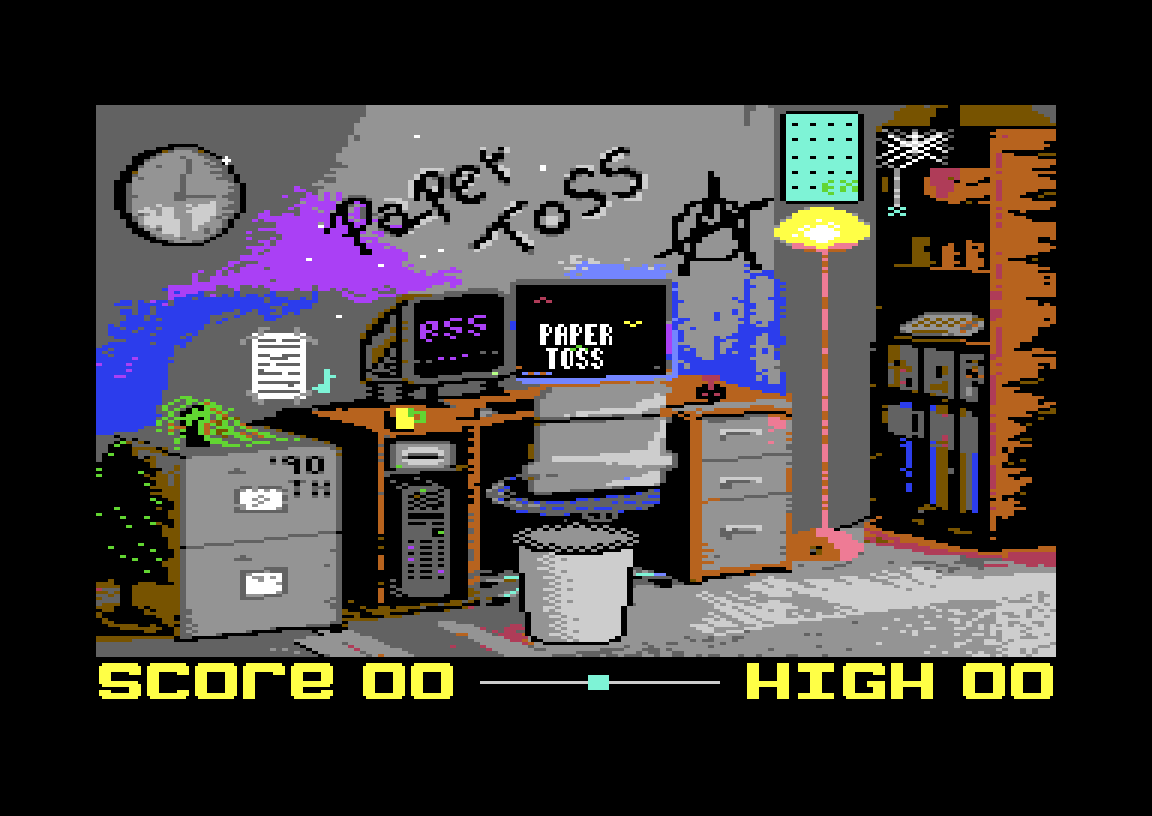
Paper Toss is a one-button skill game for the Commodore 64 by Codey of the scene group Excess, released on 10 February 2025. You flick crumpled paper balls into an office waste bin, and a single miss ends the run. Play it free in your browser right here, or grab the disk image for a real C64.
Quick facts
- Genre: one-button casual skill game
- Code, music, idea and charset: Codey (Excess)
- Group: Excess
- Released: 10 February 2025 (free scene release)
- Players: 1
- Controls: joystick in port 1 or port 2, or the SPACE key
- Format: D64 disk image, high scores saved to disk
How to play Paper Toss
The rules fit on a sticky note. Press the button to throw a paper ball at the bin. Score a basket and you get a point. Miss once and the game is over. After every 3 points the game gets harder, so a streak of 10 or more takes real concentration.
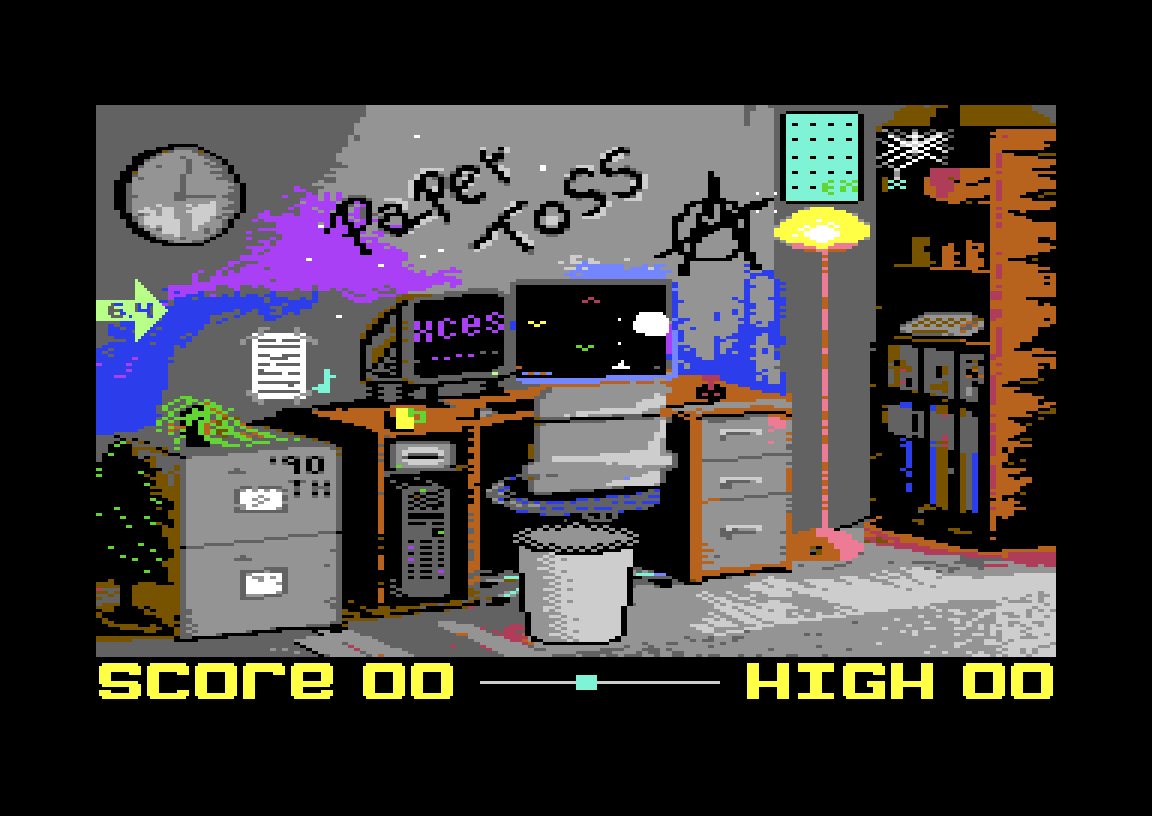
Watch the edge of the screen before every throw. An arrow with a number shows which way the draught in the office is blowing and how strong it is, and that wind bends the flight of the ball. Timing your throw against the wind is the whole game.
Controls
- Fire (joystick port 1 or 2) or SPACE: throw
- M: switch between music and sound effects only
In the browser, SPACE is the easiest option. You can also use the virtual joystick: port 2 is on the cursor keys, port 1 on W/A/S/D, and the fire keys are in the keyboard mapping table below the emulator.
Tips
- Read the wind first, then throw. Don’t throw by rhythm, because the wind changes between shots.
- Expect a step up in difficulty at 3, 6, 9 points and so on.
- On a real C64 or in VICE, keep the disk writable so your high score is saved.
About the game
CSDb describes Paper Toss as a C64 port of an online game, the kind of quick office time-waster that was everywhere on early smartphones and in browsers. Codey did the code, music, idea and character set, and the title picture packs a whole cluttered office into the C64’s palette. CSDb users rate it 10/10. One commenter summed it up as “a nice little one button game. You can always play a quick round, or two, or three…”
Codey has also made Zoomies! (2022), Alien Invaders Plus! (2023) and Signalfall (2026). More 2025 releases are in the 2025 C64 games list.
FAQ
Can I play Paper Toss online?
Yes. Press START under the emulator on this page. Once the office appears, press SPACE to throw.
Who made Paper Toss for the C64?
Codey of Excess. He did the code, music, idea and charset, and Excess released it on 10 February 2025.
When does the game end?
After your first miss. There are no lives.
Does Paper Toss get harder?
Yes. The difficulty rises after every 3 points.
Are high scores saved?
Yes. On a real C64 or in an emulator with a writable disk, the high score is saved to a file on the disk.
Credits & download
Code, music, idea, charset: Codey (Excess)
Release: Excess, 10 February 2025
Download: Paper Toss on CSDb
In order to play Paper Toss online, click on the start button located below the Commodore 64 emulator window.
This file type doesn't support auto Joystick port detection. Please choose 'Joystick Swap Ports' if needed.
Paper Toss C64 keyboard mapping
When you start a game, each joystick port is automatically turned on. Sometimes this causes a problem as the joystick port is mapped to the keys below. If a game uses these keys, you need to turn off the joystick ports.
C64 emulator joystick - keyboard mappings| DIRECTION | JOYSTICK 1 | JOYSTICK 2 |
|---|---|---|
| LEFT | A | CURSOR LEFT |
| RIGHT | D | CURSOR RIGHT |
| UP | W | CURSOR UP |
| DOWN | S | CURSOR DOWN |
| FIRE | LEFT / RIGHT CTRL | LEFT / RIGHT SHIFT |