
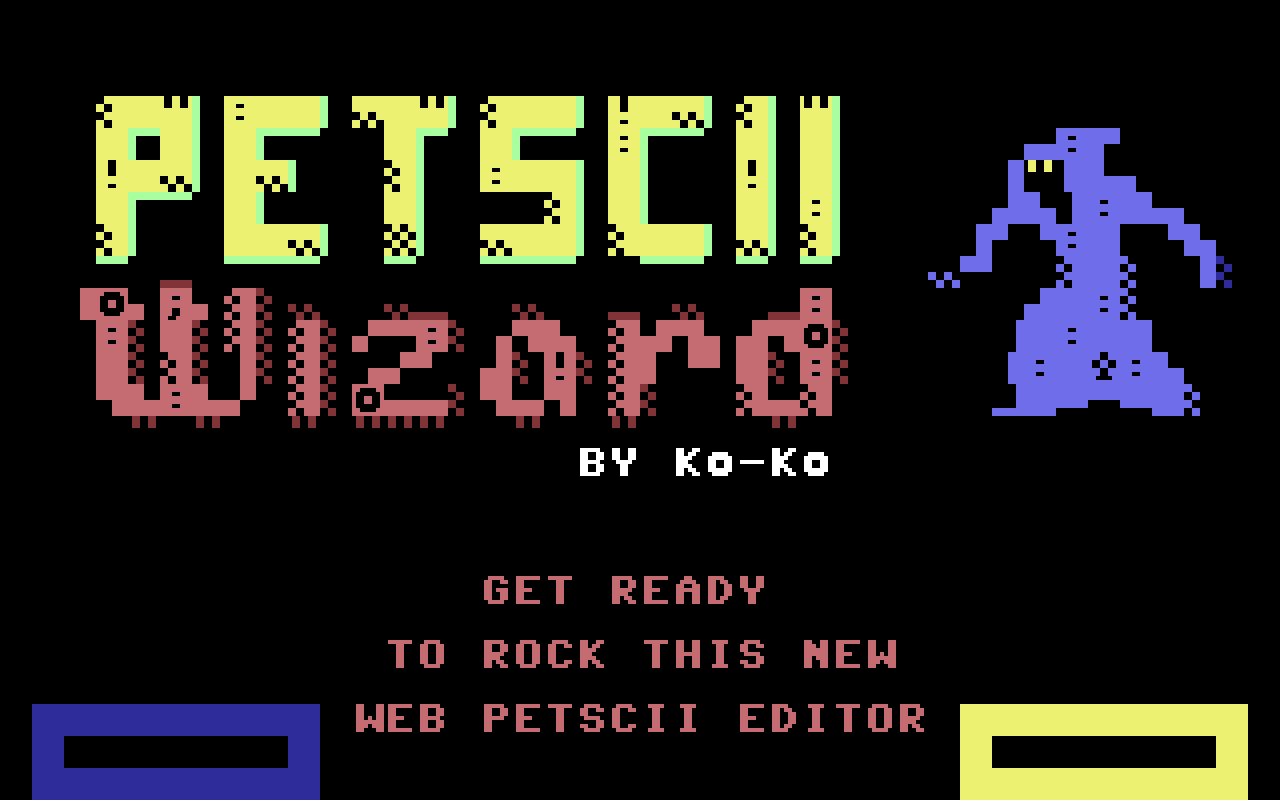
A brand-new browser-based PETSCII editor has just been released: PETSCII Wizard v1.0. Designed with real-world workflow in mind, the tool supports the legendary Commodore 64, Commodore Plus/4, Commodore PET and Commodore VIC-20 — making it an ideal solution for multiplatform Commodore creators.
The developer openly admits he’s not a trained graphic artist, but over the past few years he has fallen in love with drawing in PETSCII. Many of his games were born this way. While he previously relied mostly on Markku Reunanen’s editor and sometimes lvllvl.com, he eventually decided to build a tool tailored exactly to his own needs.
The result is PETSCII Wizard: a practical, shortcut-heavy editor packed with features that support a fast and intuitive drawing workflow — especially for those who approach PETSCII art from a developer’s perspective.
🎨 Key Features
🖥 Platform Profiles
- C64 (40×25)
- Plus/4 (40×25)
- VIC-20 (22×23)
- PET (40×28)
⚠ Switching platforms clears the current drawing.
🔤 Charset Handling
- Original character order
- Two “Group Similar” views
- Custom
.bincharset upload (2048 / 4096 / 8192 bytes) - Grid toggle
- Upper/Lower case mode (where applicable)
🖌 Drawing Tools
- Pencil & Eraser
- Color Picker
- Line / Rectangle / Circle (Normal, Quad 1/4 block, Smooth modes)
- Flood Fill
- Selection & Stamp system (including transparent stamping)
- Quad (1/4 pixel) drawing
- Text tool
- Replace (Magic Wand)
- Transformations: Flip H/V, Rotate, XOR
- Full-canvas Nudge (shift in all directions)
🎞 Animation Support
The editor includes full multi-frame animation support:
- Create, duplicate or delete frames
- Adjustable playback speed (ms)
- Frame thumbnails and quick navigation
- Real-time preview with Play/Stop
Perfect for PETSCII intros, small cutscenes, or animated title screens.
🖼 Image to PETSCII Conversion
A built-in image import tool allows you to convert JPG/PNG files into PETSCII art.
Adjustable:
- Brightness
- Contrast
- Saturation
- Allowed palette colors
- Character restrictions (All Characters or Custom Set)
This makes it easy to experiment with photo-to-PETSCII transformations or generate base layouts for further manual refinement.
⌨ Power-User Shortcuts
PETSCII Wizard is clearly built for speed:
- Color-only or character-only drawing (Shift modifiers)
- Temporary Quad mode (Alt)
- Mouse wheel zoom
- Extensive keyboard control (Undo/Redo, frame switching, duplication, fill, etc.)
- Direct character transformations via H / V / R / X
The shortcut-heavy design makes it especially appealing for experienced users who prefer keyboard-driven workflows.
v1.0 – Feedback Welcome
This is a v1.0 release, so minor bugs may still appear. Feedback, bug reports and feature suggestions are very welcome.
If you enjoy creating PETSCII graphics for the Commodore scene — whether for games, demos or experiments — PETSCII Wizard is definitely worth a try.
Enjoy it, use it in good health — and long live the Commodore scene!