
C64 Gold Quest 6
Play 'Gold Quest 6' on C64 online.
Gold Quest 6 game data
Commodore 64 game name: Gold Quest 6 | Release date:
2022 |
Publisher: Inferior Software International |
Game media type: d64 |
Language: en
User rating of this C64 game (you can also rate it under the C64 emulator):
About Commodore 64 Gold Quest 6
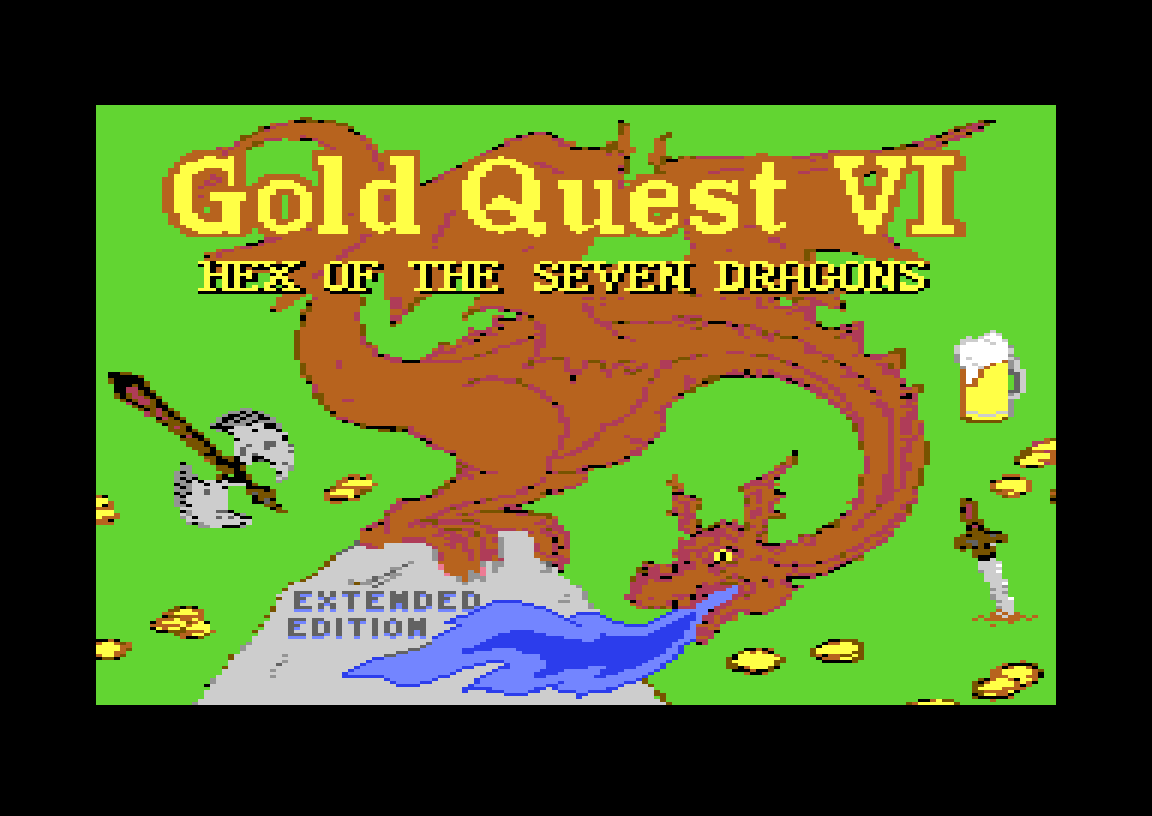
Gold Quest 6: Hex of the 7 Dragons is a first-person 3D dungeon crawler for the Commodore 64 by Thorsten “Sledgie” Schreck and Inferior Software International (ISI). You create your own dwarf, head down into the enchanted mine of Dimor, and juggle gold, weapons and beer, because the hero fights badly sober and passes out when drunk. This page runs the Extended Edition (v1.2, 24 June 2022), with English and German on one disk. Play it free in your browser.
Quick facts
- Genre: first-person 3D dungeon crawler with RPG elements
- Design and idea: Thorsten “Sledgie” Schreck
- Code: 1570, RetroLynx, Sledgie
- Graphics: Daimansion, RetroLynx, Sledgie
- Music and sound: Richard Bayliss
- Released by: Inferior Software International. v1.0 (German) 11 March 2022, v1.1 (English) April 2022, Extended Edition v1.2 24 June 2022
- Players: 1
- Controls: keyboard (W/A/S/D, RETURN, I, F1) or joystick in port 2
- Languages: English and German
The story
The game is set in Roglia, the kingdom of the dwarves, a few years after Gold Quest V. Orcs, hobbits, gnomes and worse have taken over the enchanted mine of Dimor. Sledgie, the dwarf hero of the series, has been captured by the orc shaman Fulgore. Seven dragons helped cast a spell that seals the way out. This time you don’t play Sledgie. You create your own dwarf and go down to free him. Defeat the shaman or his dragon and the curse is lifted.
Not a SEUCK game this time
Gold Quest I to V (2006–2013) were shoot-’em-ups made with the Shoot-‘Em-Up Construction Kit (SEUCK). Part 6 broke with that completely. It is a dungeon crawler written in BASIC V2 with PETSCII graphics, then compiled and packed. The source code is public on GitHub.
How to play
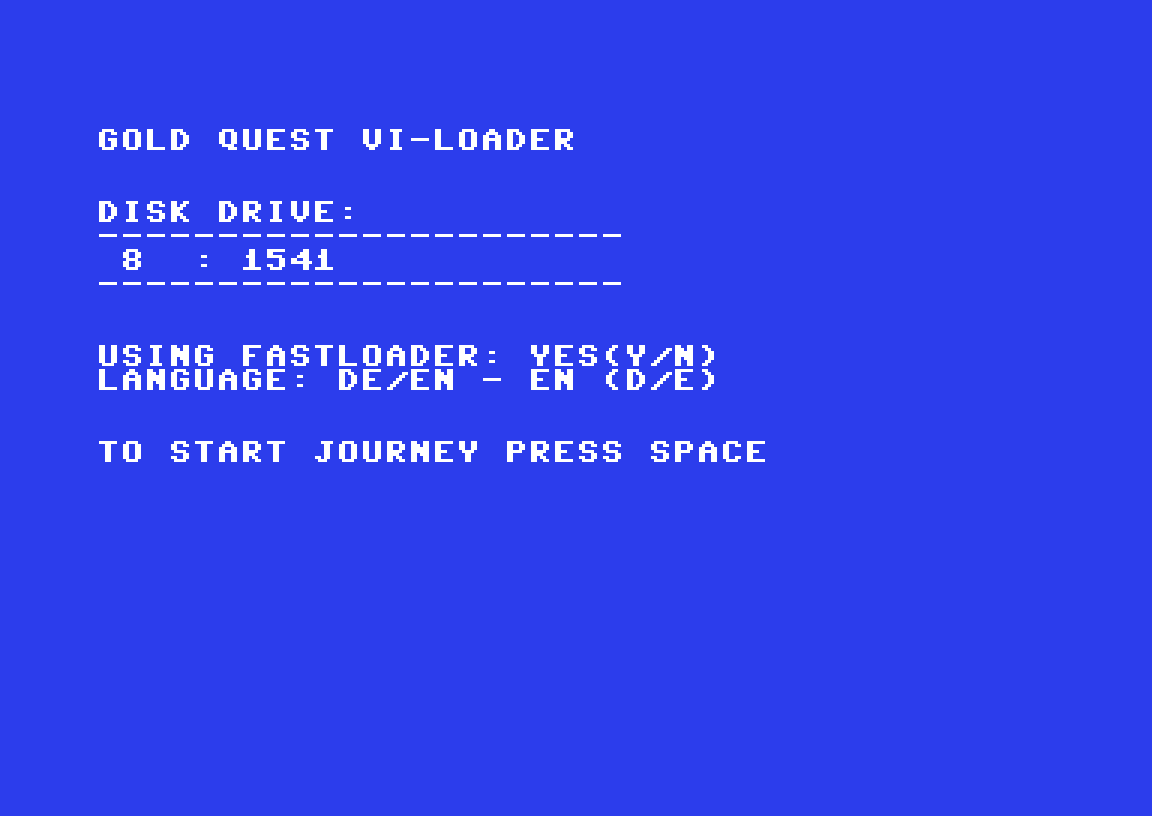
After loading, a small loader menu asks whether to use the fast loader (Y/N) and which language to use: press E for English or D for German. Then press SPACE. Enter your dwarf’s name and choose one of four types:
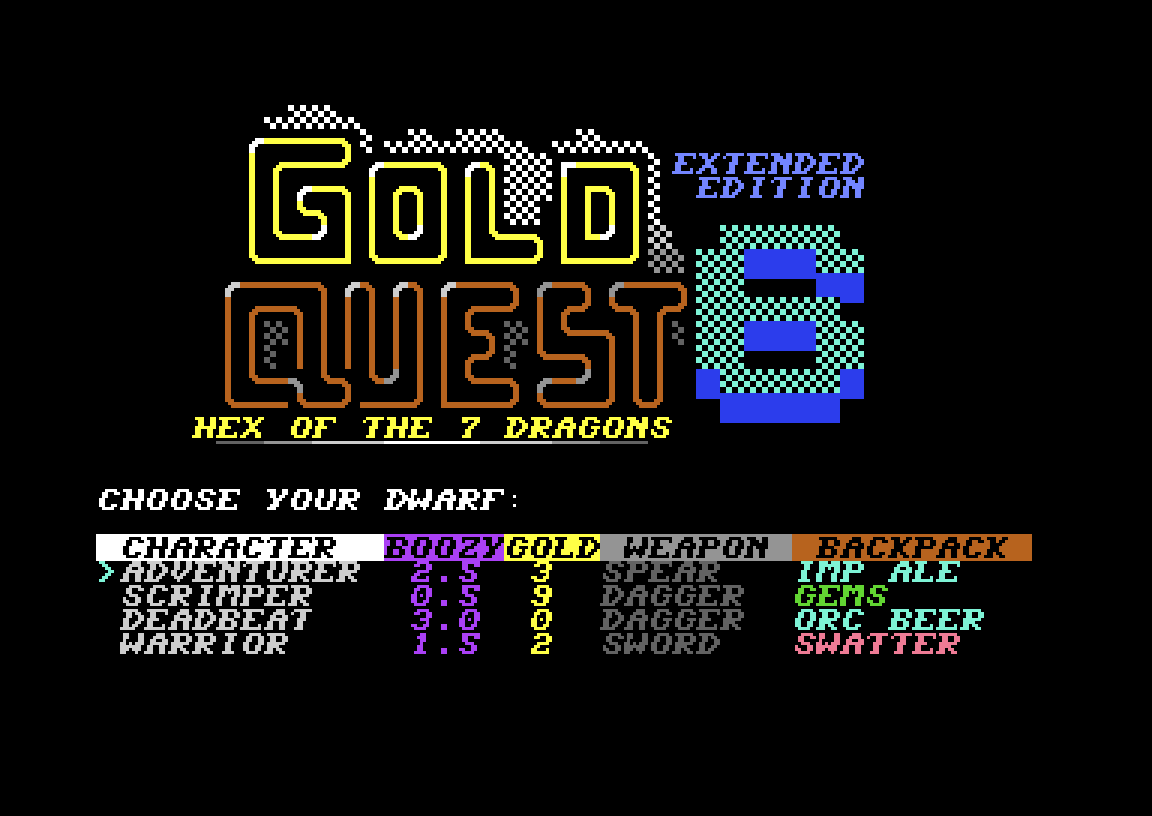
- Adventurer: a balanced start with some gold, a spear and Imp Ale
- Scrimper: the most gold (9) and gems, but only a dagger and almost sober
- Deadbeat: no gold, but already merry, with a dagger and Orc Beer
- Warrior: a sword and the fairy swatter, but little gold
The screen shows a map, the 3D corridor view, your stats and an event line. Explore each depth, fight what you meet, collect gold and visit taverns for food, beer, gambling and side quests. Reaching the exit is optional. Going deeper earns more points but is more dangerous. Watch two numbers. Health at 0% ends the game. Boozy is your blood alcohol level: too little and you fight badly, but over 3.5 per mille the game is over too.
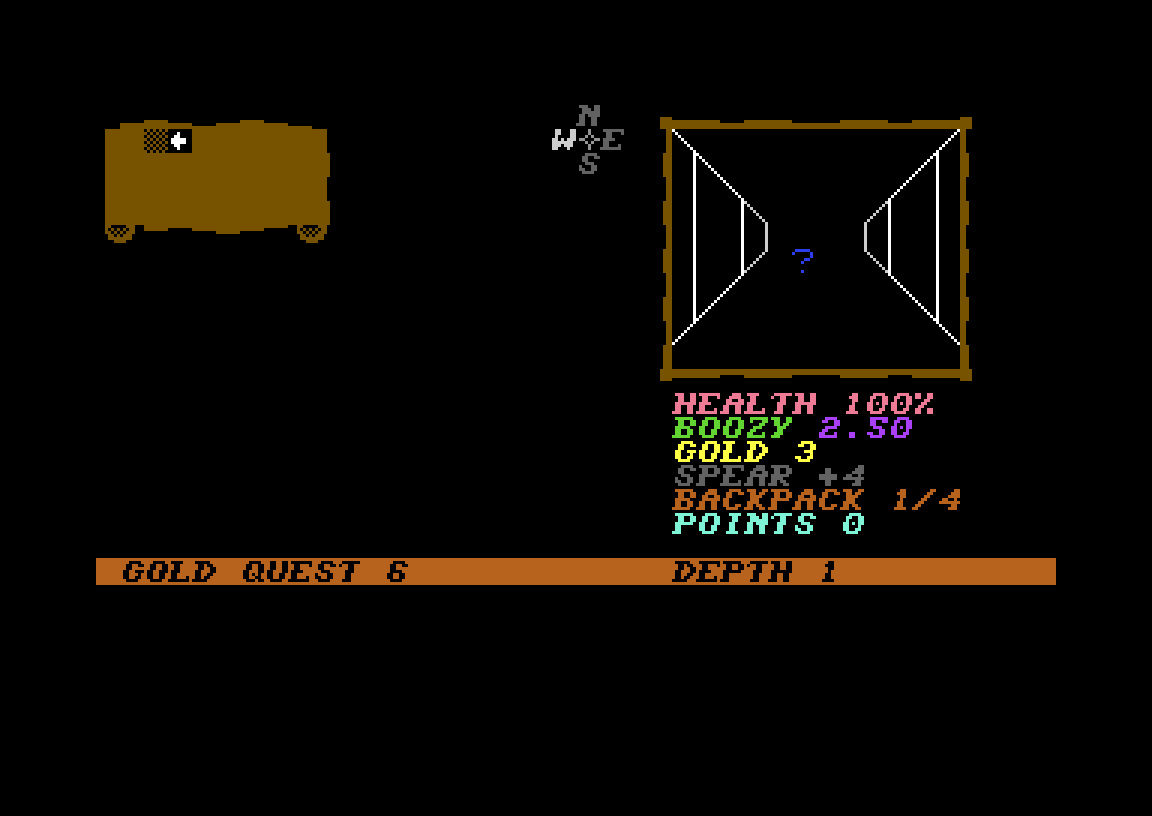
Controls
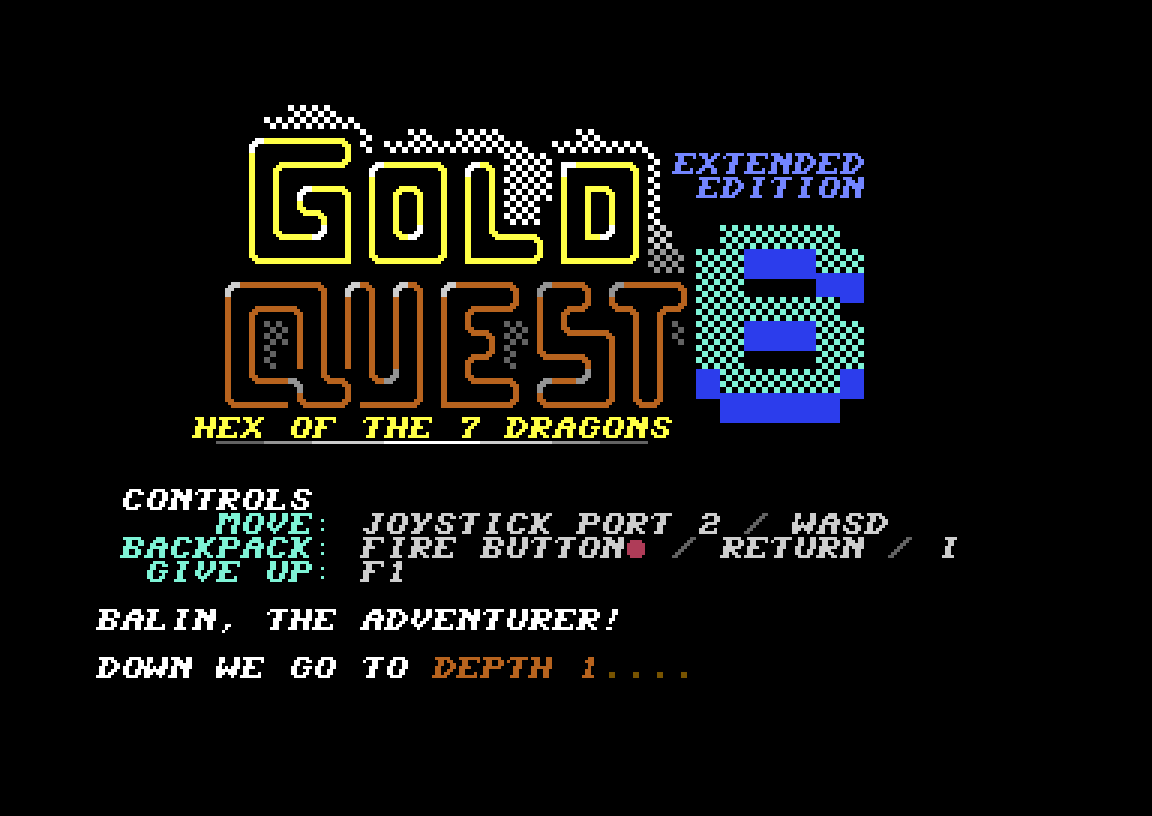
- Move: W/A/S/D on the keyboard, or a joystick in port 2
- Backpack (inventory): RETURN or I, or the fire button
- Menu choices: number keys, then RETURN
- Give up: F1
On this page the site’s virtual joystick starts switched off, so W/A/S/D reach the game as normal keys. If you’d rather use the joystick, switch it on below the emulator and use the cursor keys.
What the Extended Edition adds
- Two new enemy types: zombies and Dragon Warriors (DRAKRI)
- 12 bonus missions, each worth 250 points, such as Zombie Hunter (chop up 12 zombies), Gambler (go all in 5 times against the goblin), Stone Sober (get your boozy to 0%) and Gourmet (order the “Dragon Breast” maxi menu 4 times)
- Rebalanced difficulty: the first four depths are easier and the deeper ones harder
- Running away from a fight now costs gold
- English and German versions on one disk
Tips
- Spend your first gold on a better weapon. The strongest one is Gorkon’s Axe.
- Keep a beer in the backpack and keep one inventory slot free.
- Heal before your health drops below 40%.
- Fleeing saves your life but costs gold in the Extended Edition. Use it in emergencies only.
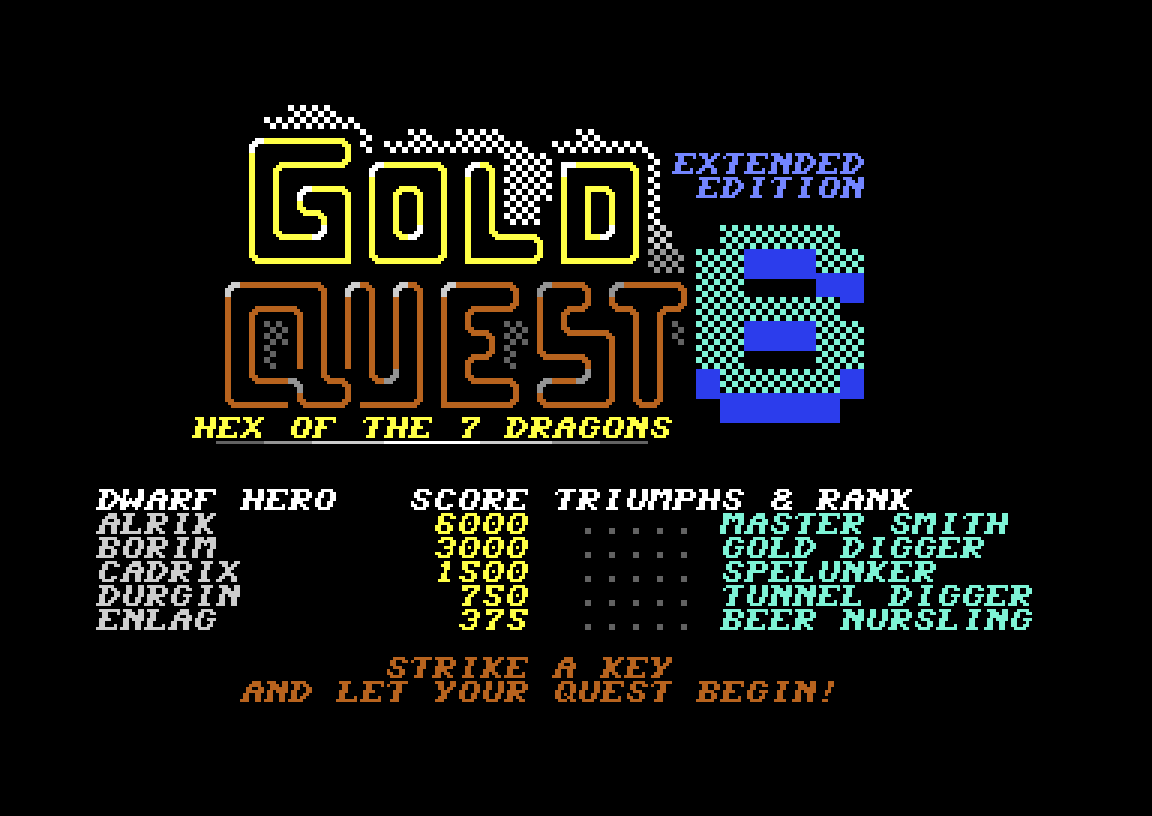
Reception
The English v1.1 first appeared on the coverdisk of ZZAP! 64 Micro Action #7, and ZZAP! gave it 78%. The German v1.0 was a Digital Talk edition (issue 111) and scored 8.8 there. The Extended Edition is rated 10/10 on CSDb. Shmendric, who co-wrote the story, called it “very amusing, but also tactically demanding”.
FAQ
Can I play Gold Quest 6 online in English?
Yes. Press START, wait for the loader menu, press E for English and then SPACE.
Is Gold Quest 6 a SEUCK game?
No. Parts I–V were made with SEUCK. Part 6 is a first-person 3D dungeon crawler written in BASIC V2 with PETSCII graphics, then compiled.
Who made Gold Quest 6?
Thorsten “Sledgie” Schreck of Inferior Software International, with code by 1570 and RetroLynx, graphics by Daimansion and RetroLynx, and music by Richard Bayliss.
What does the Extended Edition add?
Zombies and Dragon Warriors, 12 bonus missions worth 250 points each, rebalanced difficulty, gold loss when fleeing, and both languages on one disk.
Joystick or keyboard?
Both work: W/A/S/D on the keyboard, or a joystick in port 2.
Why does my dwarf need beer?
Your Boozy level affects combat. Too sober and you fight worse, but above 3.5 per mille the game ends.
Credits & download
Design, idea, concept: Sledgie (Thorsten Schreck)
Code: 1570, RetroLynx, Sledgie
Graphics: Daimansion, RetroLynx, Sledgie
Music and SFX: Richard Bayliss
Story and cover: Shmendric and Sledgie
English translation: Jammet, RetroLynx
Download: Gold Quest 6 Extended Edition on CSDb · source code on GitHub · C64-Wiki
In order to play Gold Quest 6 online, click on the start button located below the Commodore 64 emulator window.
This file type doesn't support auto Joystick port detection. Please choose 'Joystick Swap Ports' if needed.
Gold Quest 6 C64 keyboard mapping
When you start a game, each joystick port is automatically turned on. Sometimes this causes a problem as the joystick port is mapped to the keys below. If a game uses these keys, you need to turn off the joystick ports.
C64 emulator joystick - keyboard mappings| DIRECTION | JOYSTICK 1 | JOYSTICK 2 |
|---|---|---|
| LEFT | A | CURSOR LEFT |
| RIGHT | D | CURSOR RIGHT |
| UP | W | CURSOR UP |
| DOWN | S | CURSOR DOWN |
| FIRE | LEFT / RIGHT CTRL | LEFT / RIGHT SHIFT |